We had detailed posts on how to clean spywares and malwares from your PC. Here is another post on how to keep your registry clean and neat.
Why do you need Registry Cleaning software?
Registry Cleaners are designed to work on Windows operating Systems to detect any abnormalities in system registry and fix them safely. They quickly scan your system for unwanted or broken regsitry elements and report them via easy user interface. Based on the errors, they will either automatically clean them or ask your permission to do so. Sometimes there may be legitimate registry entries and are chances that they may be reported as broken. Luckily, all these software have Undo options. That is, they take automatic backup before deleting or cleaning registry entries and if you feel something is wrong after cleaning up the registry, you can always restore them. So, it is very important that you take backup before you do any tuning with the help of these tools.

Image Source - here
Do Registry Cleaners always optimize the registry? Are they really needed?
Answer is yes. Whenever we install applications, they add too many registry entries and when we uninstall them not all of them are deleted. They keep hanging and slows down your PC performance. Even malwares are capable of leveling behind broken or suspicious registry elements. It is recommended that you run these tools once in a while. As an additional resource, you could check mark’s blog. Mark Russinovich is a noted windows veteran.
Here is a list of 5 free registry cleaners
CCleaner

CCleaner is one of the best tiny security tool for Windows. It has significantly gained popularity in recent times and supported features are many. CCleaner is capable of cleaning unwanted files from Windows making it run faster, it can clean corrupt registry elements and optimize, clean internet browser history information and many more. It is safe to use, it automatically backs up data incase you want something to be restored.
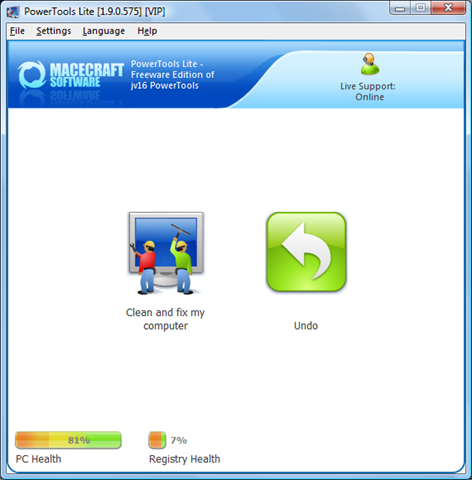
Powertools lite
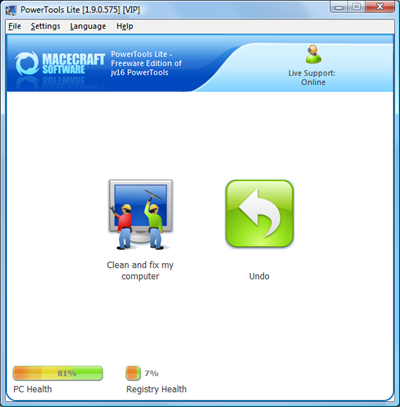
Powertools Lite is a registry cleaner and optimizer. It can detect broken registry entries, un-used registry elements and clean them. It can even clean file history and MRU details. Safe to use, automatic backup option and multilingual interface are a plus point.
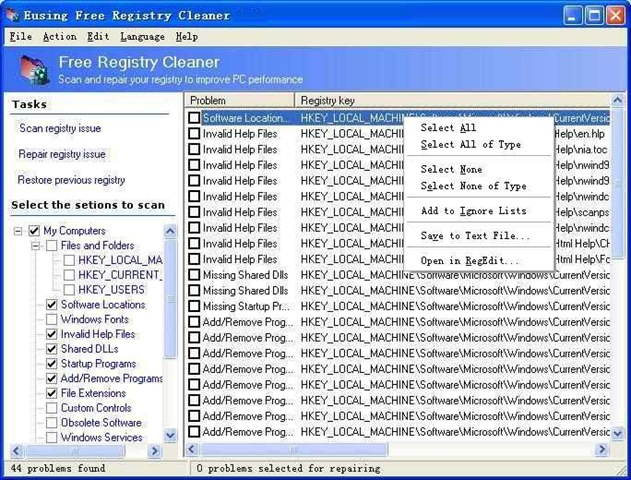
Eusing Free Registry Cleaner
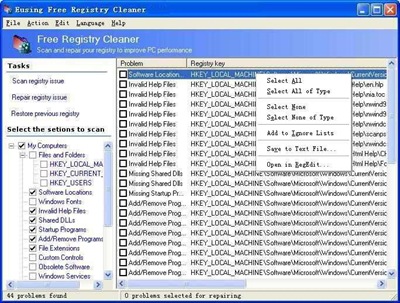
Eusing registry can optimize your windows registry by deleting or cleaning unwanted registry elements and for safety reasons, it automatically backups registry data as well. Pretty good and a popular tool for windows.
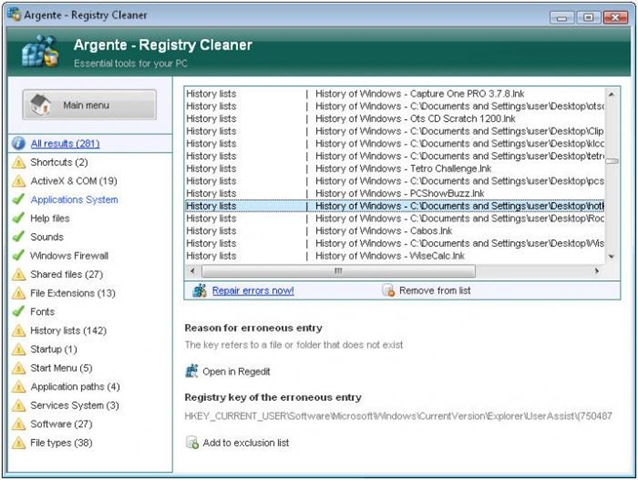
Argente Registry Cleaner
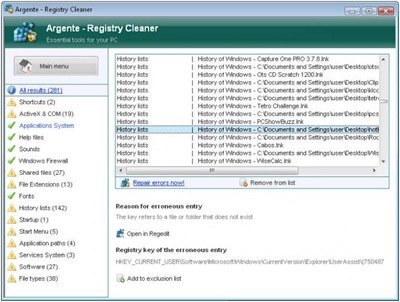
Argente Registry Cleaner has all the features that you would look for in an easy registry cleaner. You cans elect which area to scan, automatic backup/restore and many more features.
Easy cleaner
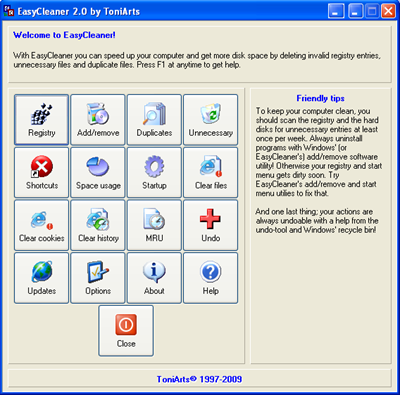
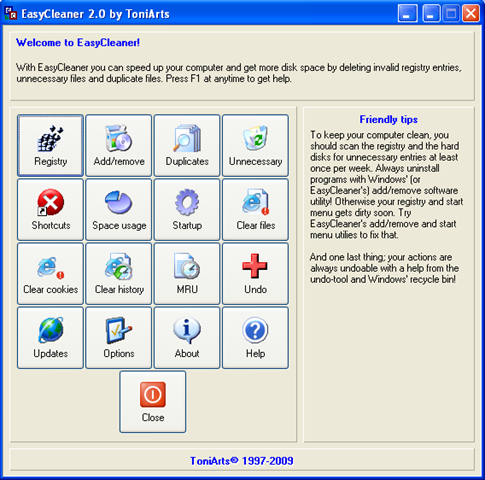
Easy cleaner has lots of tiny utilities for optimizing your registry, clearing cookies, MRUs, tuning StartUp processes, DiskUsage pie chart and many more. It has Undo option if you feel something went wrong while deleting.