With an increase availability of Camcorders, Webcams, Mobiles with camera and other gadgets that allow one to capture view easily with very less professional knowledge on making movies, we have moved into an age where anyone can use a personal computer and produce a studio quality motion picture. All you need is a equipment that captures video (like Camcorders, webcam etc), the right software and a desire to be creative. With these three things put together you could create a stunning video presentation or a nice video of your summer vacation. While the video cameras are becoming cheaper, you also need good video editing software that is less expensive or absolutely free. Here in post we have reviewed 10 such video editing software that are absolutely free and open source.

Image Source: http://www.brailleworks.com
Recommended Reading:
1. LiVES
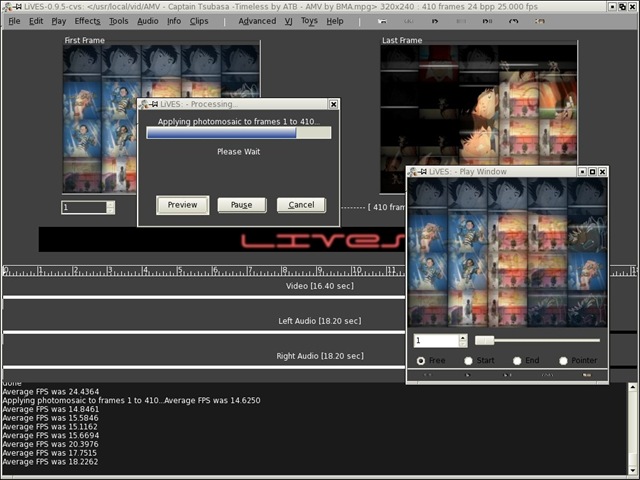
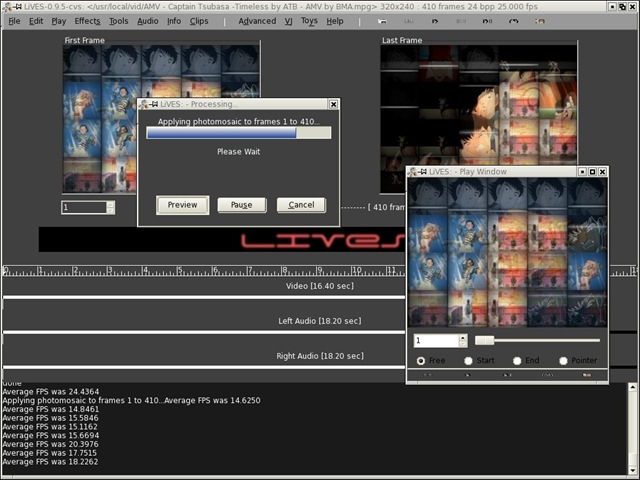
LiVES is a Free, Open Source video editor for Linux that mixes real-time video performance and non-linear editing in one professional quality application. It lets you start editing and making video right away, without having to worry about formats, frame sizes, or frame rates. It is a very flexible tool which is used by both professional VJ’s and video editors to mix and switch clips from the keyboard, using dozens of real-time effects. It lets to trim and edit your clips in the clip editor, and bring them together using the multitrack timeline. For more information, check the website LiVES.
2. OpenShot
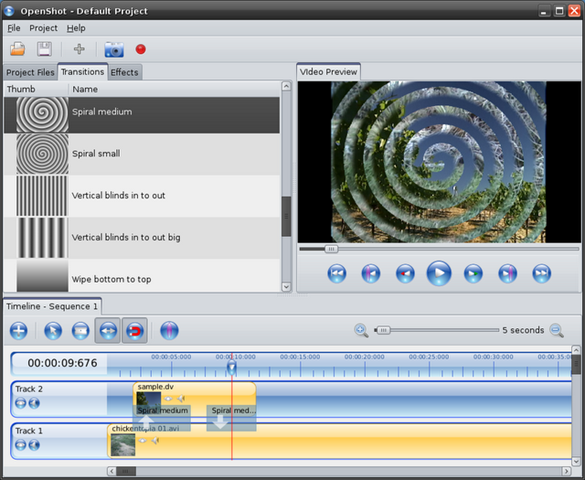
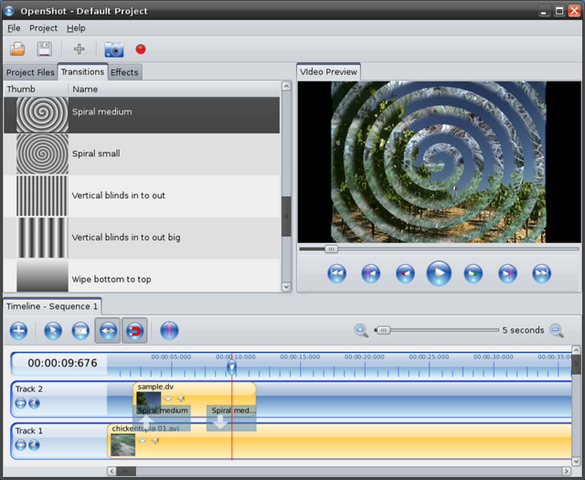
OpenShot Video Editor is an open-source program that that lets you creates, modifies, and edits video files. Its is an open source non-linear video editor for Linux, with very powerful compositing functions, and key frame animations for titles and scrolling credits as well as for video clips. OpenShot provides support for most video formats and codecs, and has particularly good support for HD video and AVCHD. For more details, check the website openshotvideo
3. Kdenlive
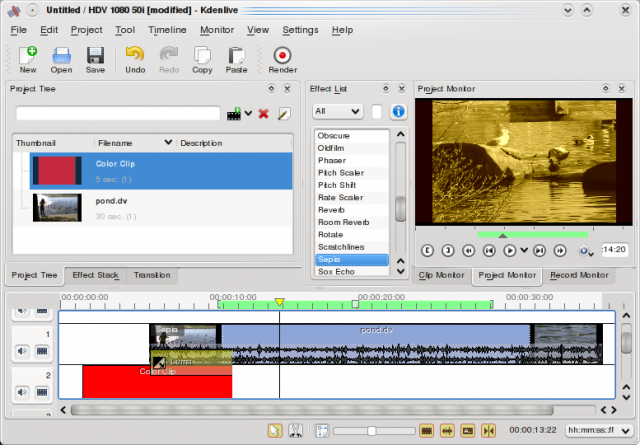
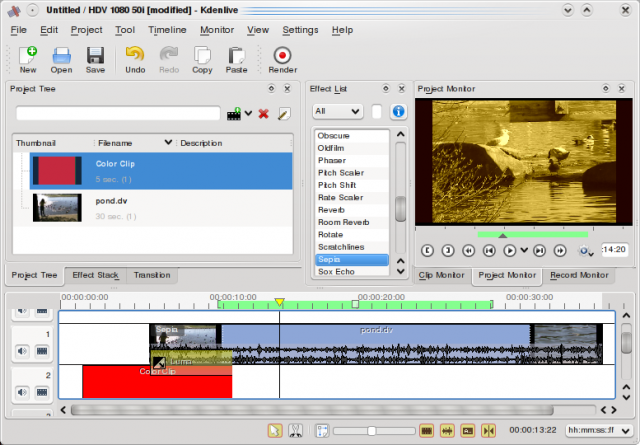
Kdenlive is free and open-source video editor for GNU/Linux and FreeBSD. Kdenlive is intuitive and powerful multi-track video editor, including most recent video technologies. To take a look at various features provided by the software, take a look at the website kdenlive.
4. Kino
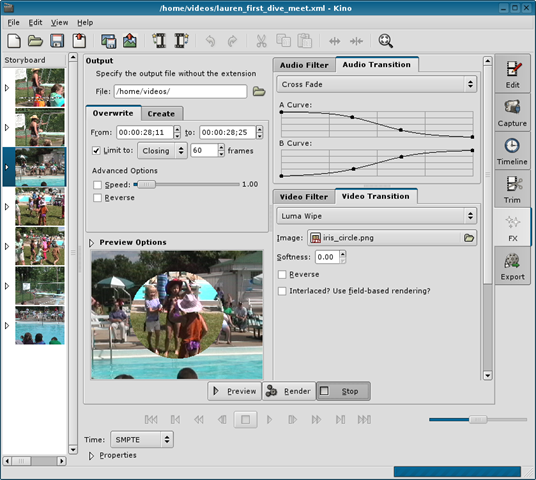
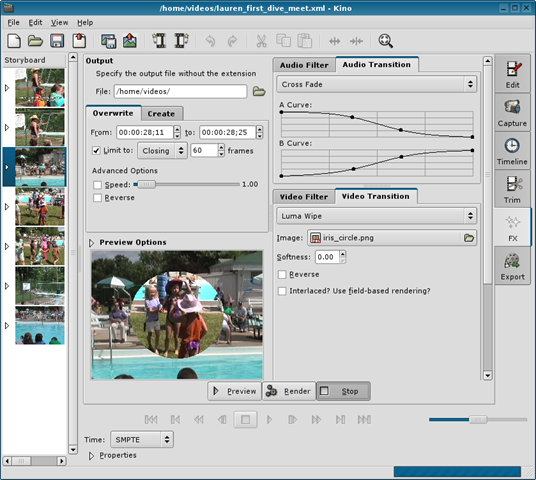
Kino is an open source video editor, that runs on Linux. You can load multiple video clips, cut and paste portions of video/audio, and save it to an edit decision list (SMIL XML format). Most edit and navigation commands are mapped to equivalent vi key commands. For complete list of features, visit the web site Kino
5. Avidemux
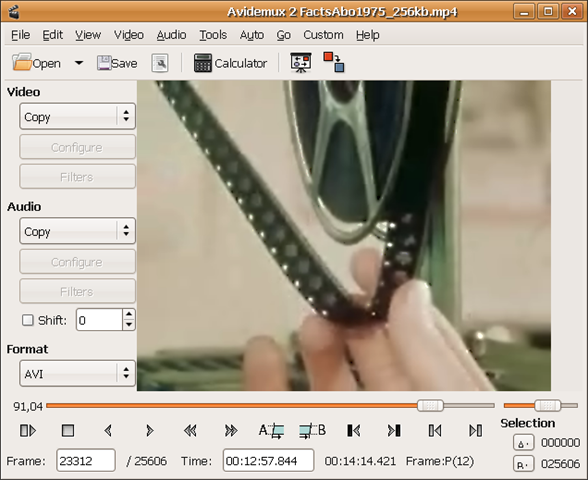
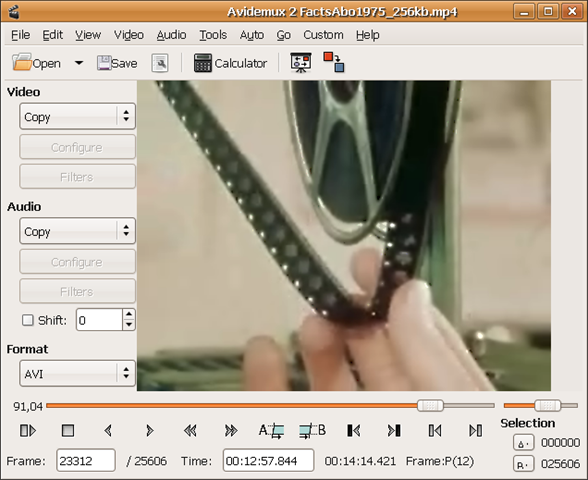
Avidemux is a free and open source video editor designed for simple cutting, filtering and encoding tasks. Avidemux is a simple video editor suited for editing several (proprietary) video formats that runs on all major platforms like Linux, Windows and OSX. For the complete feature list check the Avidemux site.
6. Cinelerra
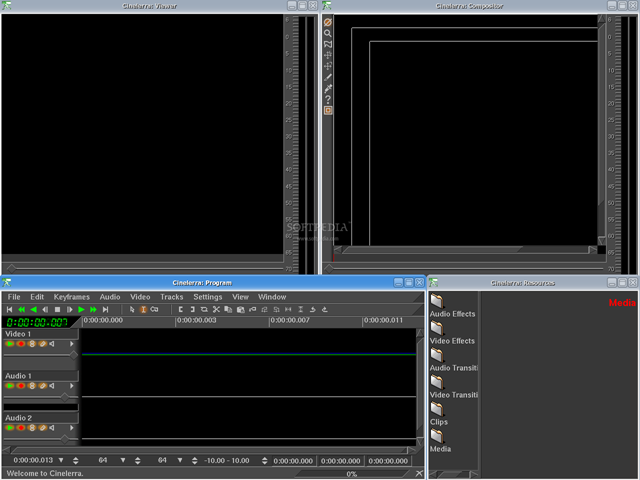
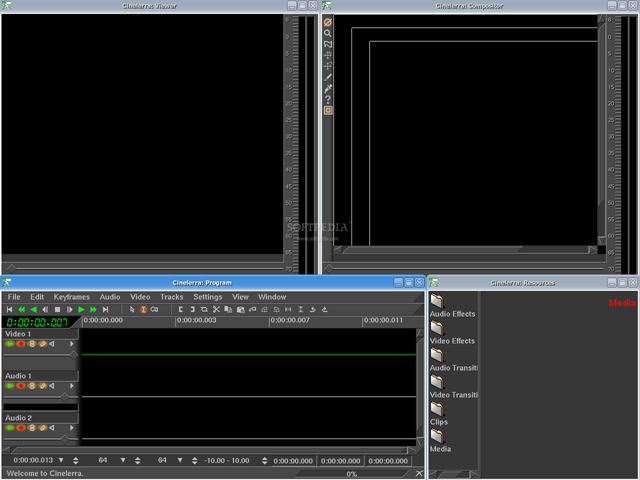
Cinelerra is an open source advanced video editor suited for editing several (proprietary) video formats, that runs on Linux. For the complete feature list check the Cinelerra site.
7. PiTiVi
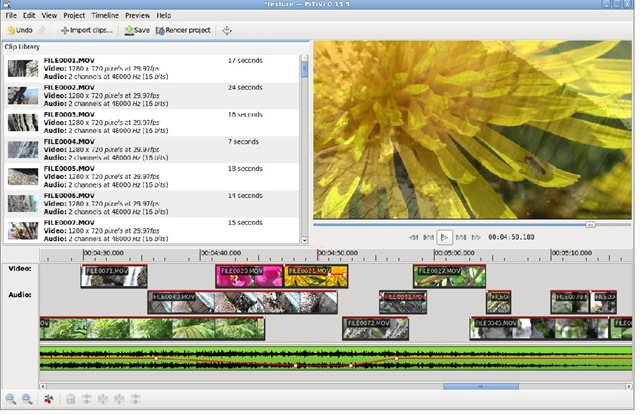
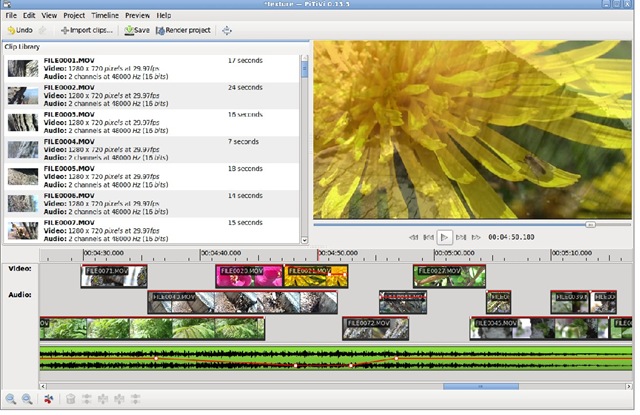
PiTiVi is a free and open source video editor, written in Python and based on GStreamer and GTK+. It is a intuitive and featureful movie editor for the Linux desktop. For complete feature list, check the PiTiVi website.
8. Open Movie Editor
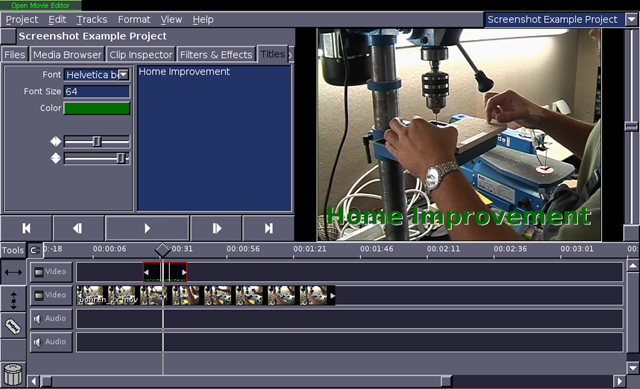
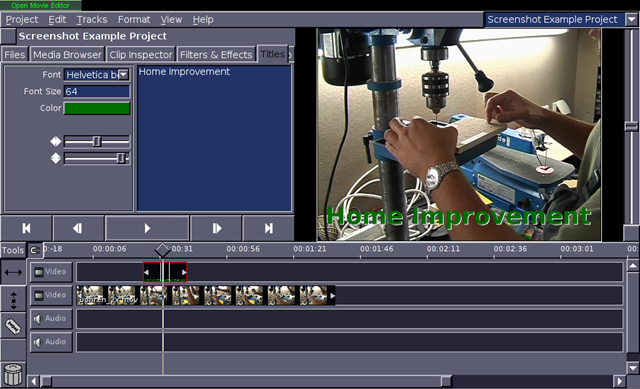
Open Movie Editor is a free and open source video editing program, designed for basic movie making capabilities. It aims do be powerful enough for the amateur movie artist, yet easy to use. It runs on Linux. You can check the complete feature list from the Open Movie Editor site.
9. AviSynth
AviSynth is free open-source software. It is a powerful tool for video post-production. It provides ways of editing and processing videos on Windows. For complete list of features, please check the site AviSynth.
10. Lumiera
Lumiera is a Free/Open Source Non-Linear Video Editing (NLE) application project for Linux developed by the CinelerraCV. It was born as a rewrite of the Cinelerra codebase called Cinelerra3 but it is now an independent project with its own name. Its underdevelopment and you an view the details from the site Lumiera.