Archive for OpenTube

Open Source - Support Open Source

Enterprise/home users need to support open source projects such as Open Office, KDE, Linux etc. Open Source movements provides great software either free or at a reasonable price compared to proprietary vendors. How can you help Open Source software and developers?

    image

    • Donate – contribute a small amount of money - $5, $10 etc. Though small, it helps the open source developers pay for their hosting services, etc. More the better

    • Contribute to their Documentation work – Easy to be part of their documentation team, help them translate to different languages

    • Become Beta tester – use newer versions, actively help to uncover bugs, bug reporting etc.

    • Be an open source advocate, supporter – help to spread the word. Open Source software doesn’t mean free.

      We have to sincerely involve in open source development projects, then only you can expect better products who can challenge apps like MS Office, Photoshop, Final Cut Pro etc.

      Good Luck!

      Great Microsoft Outlook Alternative – Free E-Mail Client For Windows

      image

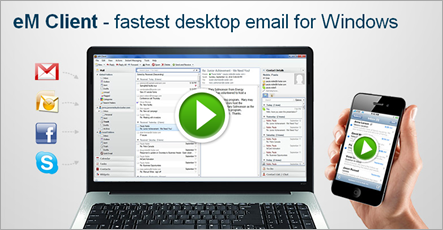
      So far, there has never been a good Outlook alternative for Windows. Outlook has been the ruler of Office/Email products for quite long. Though there was Mozilla Thunderbird, it had its limitations. There is hope now, with eM Client for Windows. Free for Home/Personal use, is a great email client with extensive features to handle meetings, calendar, tasks, threaded email view, facebook, skype integration, advanced contacts etc. This wil be a smooth way to handle your emails. For commercial use, one has to spend $50.

      Features:

      1. Easy Outlook import - Import all your data from any MS Outlook, Outlook Express, Windows Live Mail or Thunderbird.
      2. GMail integration - Synchronize all your Emails, Calendars and Contacts and even GTalk with your Gmail account or various other services like Yahoo, AOL and Hotmail.
      3. Fast search options - Find any email, contact or attachment in seconds with eM Client super fast search.
      4. Signature/Template support
      5. Email rules, folders, and other categorization support
      6. lots of such goodies – for more, please read here.

      Download here.

      Cacoo – Free Online Tool To Create Collaborative FlowChart, Mind Maps, Wireframes

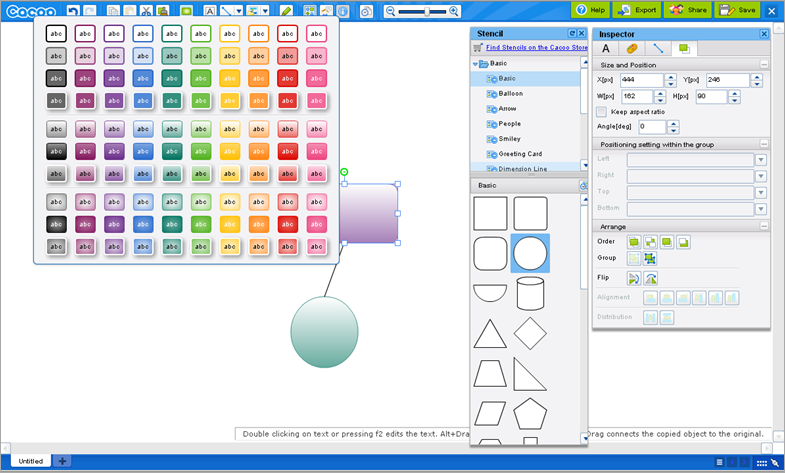
      Cacoo is free (limited) but very capable online tool that lets you create astonishing block diagrams, flow charts, mind maps, office 2010 like diagrams with lots of templates. Best of all, it is editable online by a group of people simultaneously so process of ideation, discussion, brain storming would be seamless and great with this tool…just look at the following draw area. It’s simple and great. You can print, export to PDF etc.

      image

      Features listed on their official site:

      • Elements can be dragged and dropped to easily create diagrams.
      • Elements can be linked together with connectors.
      • Connectors automatically move when elements are repositioned.
      • You can use a text box and put text anywhere you like.
      • You can upload images from your PC and include them in Diagrams.
      • You can take screenshots of your computer from within Cacoo.
      • Smart styles can easily be applied to stencils.
      • You can have multiple sheets in a diagram and use them as backgrounds or layers.
      • When you move the objects on your canvas, they will be snapped at the objects or grids nearby and align automatically.
      • Copying, pasting and other functionality of basic drawing software is also built in to Cacoo.
      • All actions are stored so there are unlimited levels of undo.
      • You can import an image from the other websites by indicating the URL.
      • The imported image can be easily trimmed only using your mouse.
      • According to your editing status, tips will be shown on the right bottom corner of the canvas.
      • Collaborative, chatting etc.

      image

      Alternatives To Evernote – Best Apps To Write Notes, Thoughts As They Come

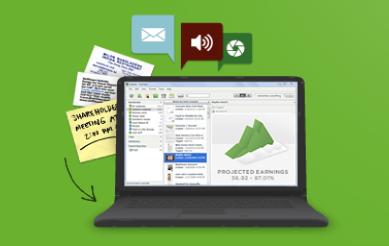
      Evernote has been a great tool to save our ideas, thing we like, things we hear, and things we see. Evernote works on PC, Mac, Linux, Mobile phones and what not. imageWorks anywhere and easy to use. However, there are other such tools and if you are looking for similar apps, you could check out the following apps.

      Nevernote (Free and Open Source)

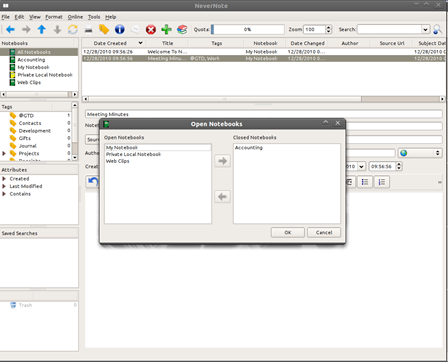
      This is an open source clone of Evernote.  This program has been run on Linux, Windows, and OS-X, but the primary goal is to proved a Linux client.  More…

      image

      Zim (Free and Open Source)

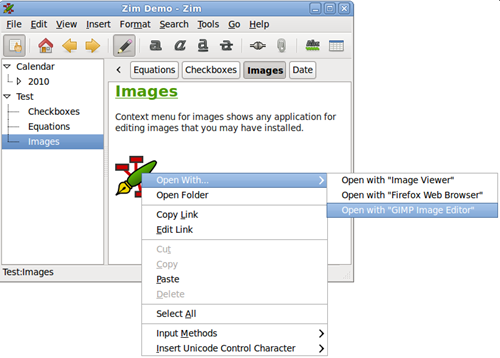
      Zim is a graphical text editor used to maintain a collection of wiki pages. Each page can contain links to other pages, simple formatting and images. Pages are stored in a folder structure, like in an outliner, and can have attachments. Creating a new page is as easy as linking to a nonexistent page. All data is stored in plain text files with wiki formatting. Various plugins provide additional functionality, like a task list manager, an equation editor, a tray icon, and support for version control. More…

      image

      SimpleNote (Free)

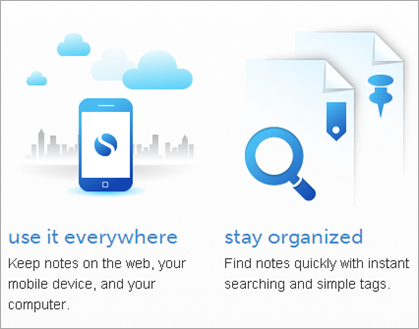
      Simplenote is an easy way to keep notes, lists, ideas, and more…

      image

      Microsoft One Note (Commercial)

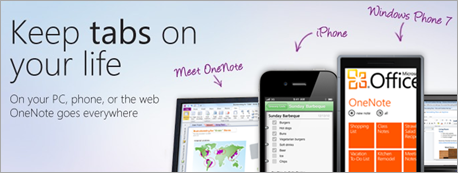
      Digital notebook from Microsoft. Works on iPhone, Windows 7 and more. A great tool but not free. More…

      image

      Tomboy

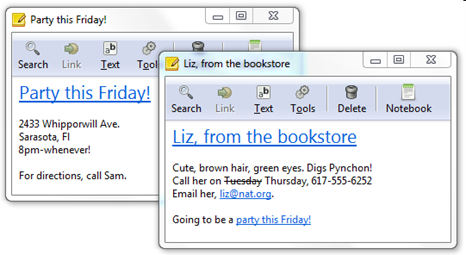
      Tomboy is a desktop note-taking application for Linux, Unix, Windows, and Mac OS X. Simple and easy to use, but with potential to help you organize the ideas and information you deal with every day. More…

      image

      Springpad

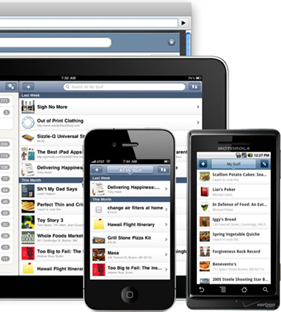
      Quickly and easily save ideas and information you want to remember and organize. More…

      image

      WunderList

      Wunderlist is a completely free, easy-to-use task manager for iPhone, iPod, iPad, Mac, Windows, Android and your Browser. More


      10 Free Multiple Phone Web Based Application Framework

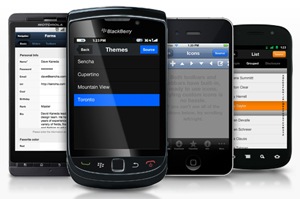
      Years ago, there was debate around cross platform technologies and the importance of cross platform technologies like Java Vs. Microsoft .Net Vs. Web and other alternatives. With the recent mobile revolution, having multiple mobile platforms like iOS, Android, BlackBerry, Windows Mobile and others in the front of the cutting edge technology, the cross platform question is once again become more relevant. The biggest question is “How do you build a software that can seamlessly run on BlackBerry, iPhone, Android, and even Windows Mobile”. The endless war between Apple (iPhone/iPad), Adobe (Flash), Google (Android), and Microsoft (Silver light, Windows, Windows Phone) has more losers than winners by one player not supporting the other.
      Multiphone

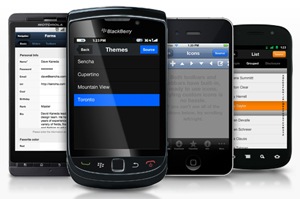
      A Multiple Phone Web Based Application Framework is a software framework that is intended to solve the problem of cross platform question. A multiple phone web based application framework is a software framework that is designed to support the development of phone applications that are written as embedded dynamic websites and may leverage native phone capabilities, like geo data, camera or contact lists. There are many such frameworks that are evolving and this post provids a list of 10 free multiple phone web based application framework.

      1. PhoneGap

      PhoneGap is an HTML5 app platform that allows you to author native applications with web technologies and get access to APIs and app stores. PhoneGap leverages web  developers already best known technologies like HTML and JavaScript. PhoneGap supports all popular mobile platforms - iOS, Android, BlackBerry, Palm WebOS, Symbian and Windows Mobile. For more information check here.

      2. iUI

      iUI is a framework consisting of a JavaScript library, CSS, and images for developing advanced mobile webapps.Made with only iPhone in mind in the first place (reason of i UI), it now supports most smartphones & tablets. It supports iOS, Android, BlackBerry ( limited models) , and Windows Mobile. For more information check here.

      3. QuickConnectFamily

      QuickConnectFamily is a hybrid framework that lets you to get your app on the store now by using your web skills to create installable mobile applications. It lets you write your iOS or Android app in HTML5, CSS3, and JavaScript and still access the device. it supports iOS, Android, BlackBerry and Palm WebOS.  Windows Mobile is in the road-map. For more information check here.

      4. Rhodes

      Rhodes 3.0 let you to use your web skills to write native apps once and build for all smart phones. RhoHub lets you write and build apps online. RhoConnect lets you to easily integrate with enterprise apps and synchronize data to devices.  supports all popular mobile platforms - iOS, Android, BlackBerry, Symbian and Windows Mobile. For more information check here.

      5. Appcelerator Titanium

      Appcelerator Titanium is a platform for developing mobile, tablet and desktop applications using web technologies HTML, CSS and Javascript. It supports iOS and Android. Blackberry support is in beta. Gartner names Appcelerator as Visionary in their recent Magic Quadrant analysis of the rapidly growing market for mobile software platforms. For more information on Appcelerator Titanium, check here.

      6. iPFaces

      iPFaces is an open source framework developed by Edhouse for simple creation of native application for iPhone, iPod Touch, iPad, BlackBerry and devices with Mobile Java (J2ME).The solution is dedicated for web developers experienced either in ASP.Net, Java or PHP. For more details on iPFaces, check here.

      7. Canappi

      Canappi enables entrepreneurs, Developers and businesses to rapidly build cross-platform mobile applications. It uses Objective-C, Java, PHP, SQL, JavaScript, HTML, CSS, Silverlight. Canappi supports iOS and Symbian currently and Android support is in beta. For more information, check here.

      8. Mobl

      Mobl is an programming language and open-source multiple phone web-based application framework. It is a statically typed language that targets mobile phones that support JavaScript and HTML5.It supports iOS, Android and Pam WebOS. For more details check here.

      9. Sencha Touch

      Sencha Touch is the world’s first app framework built specifically to leverage HTML5, CSS3, and Javascript for the highest level of power, flexibility, and optimization. Sencha Touch is a cross-platform framework aimed at next generation, touch enabled, devices. Sencha Touch allows you to develop mobile web apps that look and feel native on iPhone, Android, and BlackBerry touch devices. For more information check here.

      10. NEXT

      NEXT is a free, open source Java and HTML5 framework for building Native Looking web applications for smartphones and tablets. NEXT is device agnostic and runs on 6 different platforms: iOS, Android, BlackBerry OS6+, webOS, Samsung bada and BlackBerry PlayBook. It is completely based on web standards like HTML5 and CSS3. Influenced by Apple’s Cocoa Touch, NEXT is using MVC (Model-View-Controller) pattern, allowing rapid HTML5 mobile development and leaving you focused on your real business problems. For more information, check here.


      Related Posts with Thumbnails