Archive for Open Source

Migrating To Open Source – Must Have Open Source Tutorials For Beginners

Open Source software movement has come a long way. Now, more and more people are embracing open source software because most of them do not require any money for usage even at commercial places. Some of the greatest open source software applications are; Linux the king of open source OS, Firefox Web Browser, GIMP a capable Photo Editor, Blender the 3D graphics application, OpenOffice the free Office Suit like MS Office, Asterisk an Open Source telephony platform etc.
image

Many beginners are seriously looking at learning these applications to breakaway from proprietary software. However, many such people feel the lack of guide and documentation to effectively learn the features and exploit the Open Source offerings.  Here is a round up of online Open Source documentation.

Free and Great PDF Creators– Instantly Convert Documents To PDF

Reasons to use Free PDF Creators:

image

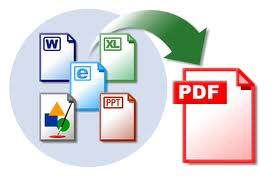
  • PDF Creators convert almost any kind of documents instantly in to PDF. They are easy to use most of them require less than 4 clicks to create a PDF document. You can convert to PDF any type of printable document (i.e. DOC, XLS, PPT, PUB, DOCX, XLSX, PPTX, PUBX, HTML, TXT,…).

  • Saves you money – No need to sped a dime. There are other commercial PDF converters such as NovaPDF, Adobe Acrobat Suit, PDF Studio. If you do not want to pay, then use software like PDFCreator, doPDF etc.

  • No GhostScript or any 3rd party components needed.

  • PDF Creators are installed as virtual printer, that means, you need to print the document via the virtual printers to save as PDF. PDF Creators are not PDF Readers. You need software like Adobe Acrobat Reader to read the converted PDF documents.

doPDF

image

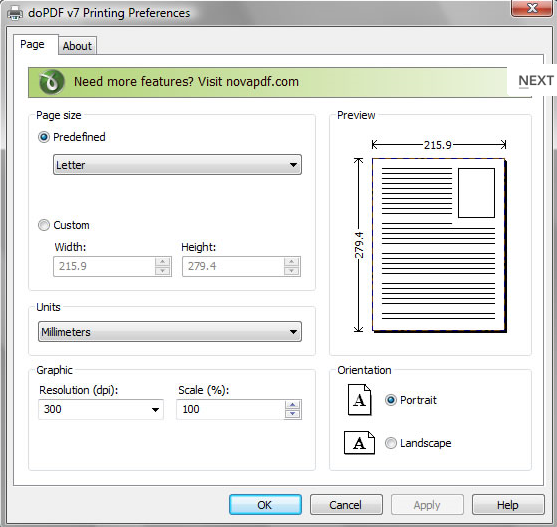
Using doPDF you can convert to PDF in two ways:

  • Print to PDF via the virtual printer driver doPDF. You would do this exactly as you print to a regular printer, just the result will be a PDF file, not a printed piece of paper.
  • Using the doPDF Startup window. doPDF has an executable file (accessible from the start program group) that you can run in order to start a conversion wizard.

PDFCreator

image

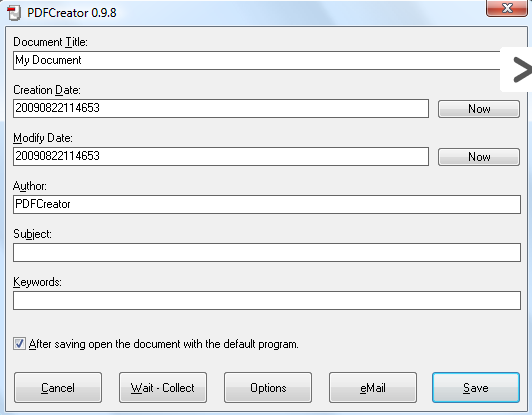
PDFCreator is a free tool to create PDF files from nearly any Windows application.

  • Create PDFs from any program that is able to print
  • Security: Encrypt PDFs and protect them from being opened, printed etc
  • New: Digitally sign your PDFs to ensure that you are the author and the file has not been modified.

qvPDF

qvPDF is a PDF creator for Windows. It’s implemented as printer driver and uses plugins to execute different actions after creating the PDF.

FreePDF

With FreePDF you can produce pdf files from all applications. Select simply file, pressures and the printer FreePDF. With the results you can be able to be seen also in printing.

PDFedit

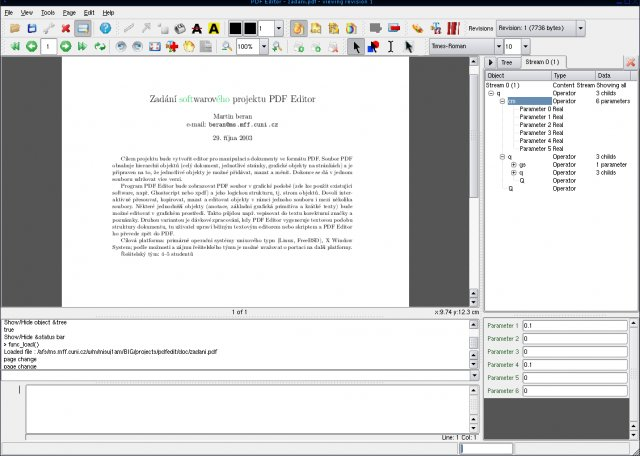
PDFedit is free and open source library for manipulating PDF documents.

image

PDFescape

PDFescape - Free PDF Editor & PDF Form Filler.

Quantum GIS Open Source Alternative To ArcGIS

ArcGIS is a popular GIS - A geographic information system (GIS) that integrates hardware, software, and all forms of geographically referenced information. ArcGIS allows us to view, understand, question, interpret, and visualize data in many ways that reveal relationships, patterns, and trends in the form of maps, globes, reports, and charts. GIS is the merging of cartography, statistical analysis and database technology. GIS can be used in geographical, archaeological or land surveying studies. There are many uses of a GIS. ArcGIS is popular and as usual comes with a price.


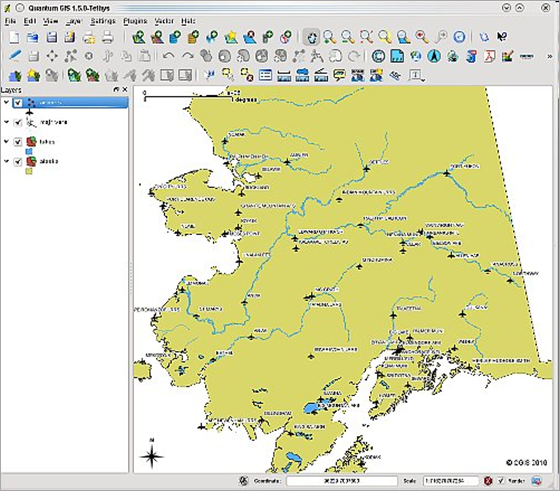
If you are looking for a free and open source solution which is similar to ArcGIS, then there is an option – Quantum GIS. Quantum GIS (QGIS) is a user friendly Open Source Geographic Information System (GIS) that runs on Linux, Unix, Mac OSX, and Windows. QGIS supports vector, raster, and database formats. QGIS is licensed under the GNU Public License.


image

Core features of QGIS:

  • Raster and vector support
  • Support for nonspatial tables
  • GRASS  Integration
  • Extensible plugin architecture
  • Digitizing tools
  • Print composer
  • Python language bindings
  • OGC support (WMS, WFS)
  • Overview panel
  • Spatial bookmarks
  • Identify/Select features
  • Edit/View attributes
  • Feature labeling
  • On the fly projection

Open Source Source Insight Alternatives

Source Insight is one of the popular commercial Code Browsers and Analyzers for for C/C++, C#, and Java. So is Understand another commercial tool. They are good but not cheap. If you are free tools guy or a small time developer who can not afford such tools, there are some alternatives. Of course, improvements are required for these free tools but they are good enough to start with.

Code Blocks

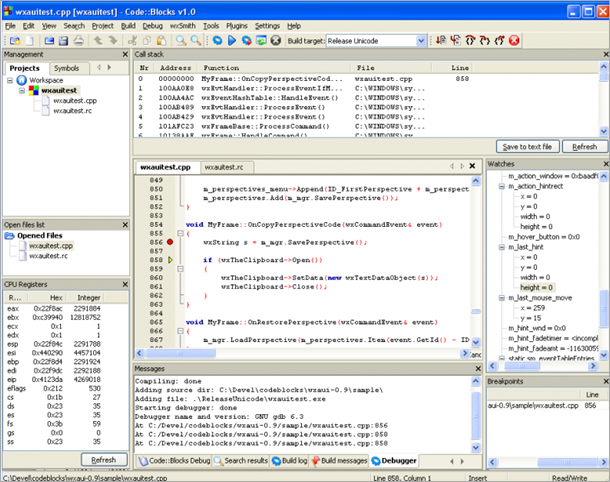
Code::Blocks is a free C++ IDE built to meet the most demanding needs of its users. It is designed to be very extensible and fully configurable. Built around a plugin framework, Code::Blocks can be extended with plugins. Any kind of functionality can be added by installing/coding a plugin. Compiling and debugging functionality is already provided by plugins!

Disadvantage is it supports just C++. More is here.

image

Source-Navigator

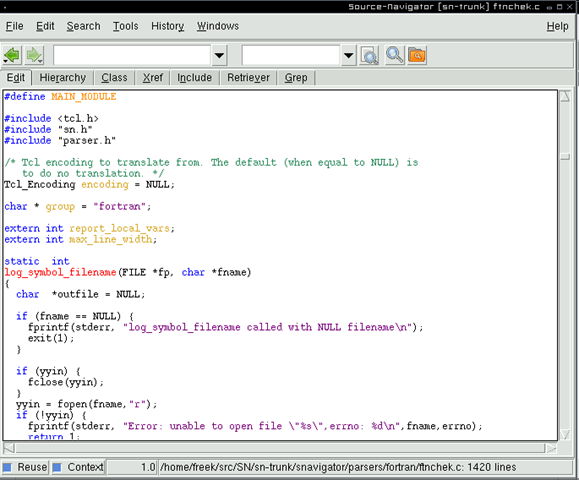
Source-Navigator is a source code analysis tool. With it, you can edit your source code, display relationships between classes and functions and members, and display call trees. Check it out.

image

Some more resources (via Stack overflow)

7 Great HTML5 and CSS3 Frameworks – Easy HTML5/CSS3 Development

HTML has come a long way since its inception in 1990s and the new HTNL avatar is HTML5, an open standard. Steve Jobs prefers it over Adobe Flash for instance. Lots of development is going to happen in HTML5 in the coming days and some framework for developers are listed below.

52Framework

image

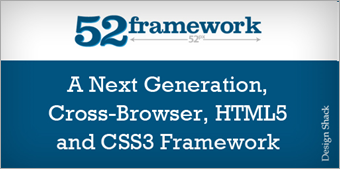
HTML5/CSS3 are fairly new but few frameworks for developers are already released. 52framework for instance, one the first frameworks to be released has lot of useful features. It supports all htnl5 tags, script embed, Modified Reset Stylesheet for HTML5 and CSS3. There are more features than you would expect and more details here – 52framework

Lessframework

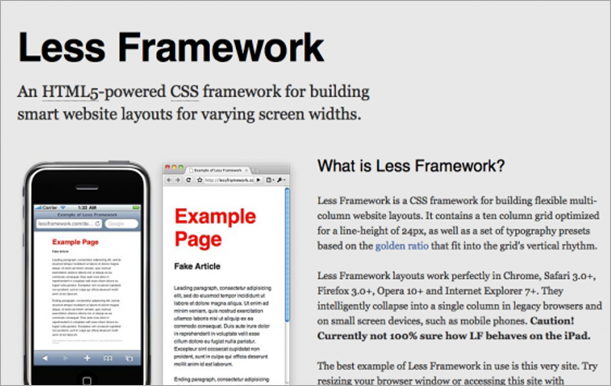
LessFramework is a CSS grid system for designing adaptive web­sites. It contains 4 layouts and 3 sets of typography presets, all based on a single grid.

image

Baseline

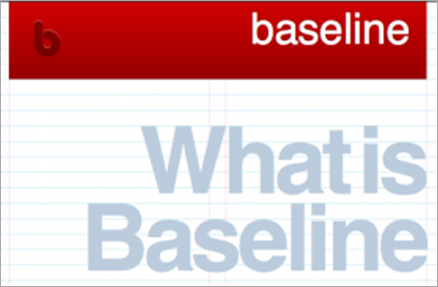
Built with typographic standards in mind, Baseline makes it easy to develop a website with a pleasing grid and good typography. Baseline starts with several files to reset the browser’s default behavior, build a basic typographic layout — including style for HTML forms and new HTML 5 elements — and build a simple grid system.

image

SproutCore

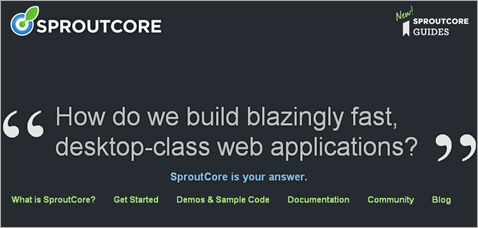
Build blazingly fast, desktop-class web applications. SproutCore is an HTML5 application framework for building responsive, desktop-caliber apps in any modern web browser, without plugins.

image

OpenLaszlo (Open Source)

OpenLaszlo - The run-anywhere rich internet platform that supports rapid app development. Has LZX declarative language, supports active animation and flexible layouts.

image

Jo HTML5 (for Mobile App and Open Source)

JoApp is a cross platform and open source mobile widget framework.

Sencha

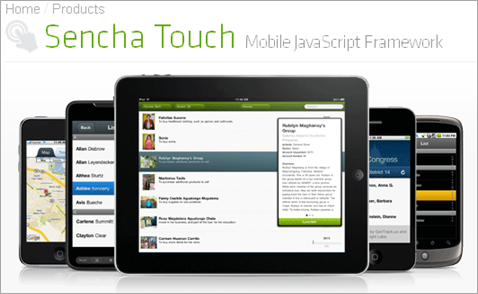
A HTML5 Mobile Web App Framework. Sencha Touch allows you to develop mobile web apps that look and feel native on iPhone and Android touch devices.

image

LimeJS

LimeJS is a HTML5 game framework for building fast, native-experience games for all modern touchscreens and desktop browsers.

Baker EBOOK Framework

Baker is a open source HTML5 ebook framework for publishing ebooks for iPad.

image

Related Posts with Thumbnails