


For music lovers it also fun to create your own music by editing and mixing. The digital audio applications on computers provide an easy way to record, edit and compose your own music. Some of them provide advanced features like mixing multiple sound sources/tracks, combining them at various volume levels and add some simple and advanced sound effects. These tools give freedom to try your creativity and compose your own tracks.
Recommended Reading:
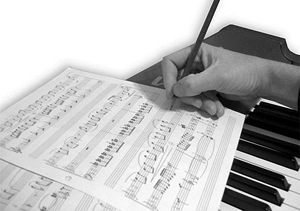
Here in this post we review 10 free software and digital audio editors that are either free or free open source available to unleash your creativity and compose your own music.
1. LMMS - Linux MultiMedia Studio
LMMS is a free cross-platform alternative to commercial programs like FL Studio®, which allow you to produce music with your computer. This includes the creation of melodies and beats, the synthesis and mixing of sounds, and arranging of samples. You can have fun with your MIDI-keyboard and much more; all in a user-friendly and modern interface. It supports Windows, Mac and Linux.
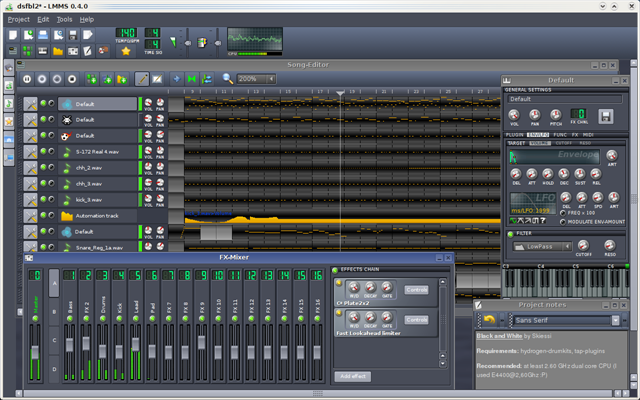
More info here.
2. Audacity
Audacity is a free, open source software for recording and editing sounds. It is available for Mac OS X, Microsoft Windows, and Linux. With Audacity, you can Record live audio, Convert tapes and records into digital recordings or CDs, Edit Ogg Vorbis, MP3, WAV or AIFF sound files, Cut, copy, splice or mix sounds together and Change the speed or pitch of a recording.
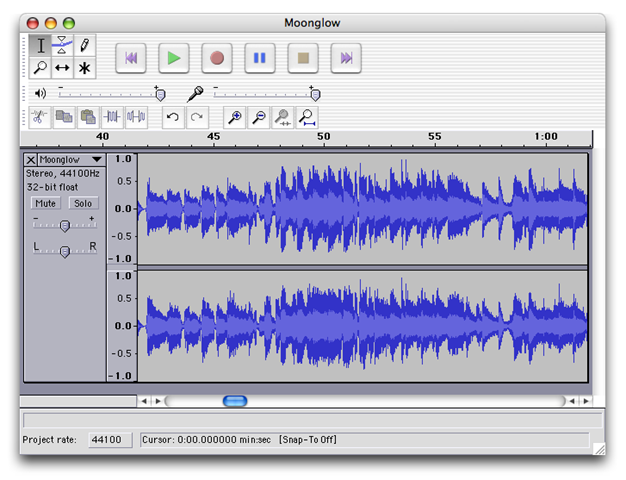
More info here.
3. Jokosher
Jokosher is a simple and powerful multi-track studio. Jokosher provides a complete application for recording, editing, mixing and exporting audio, and has been specifically designed with usability in mind.
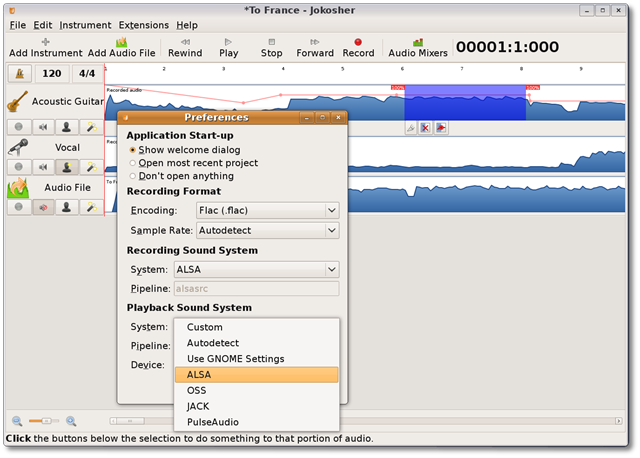
More info here.
4. Rosegarden
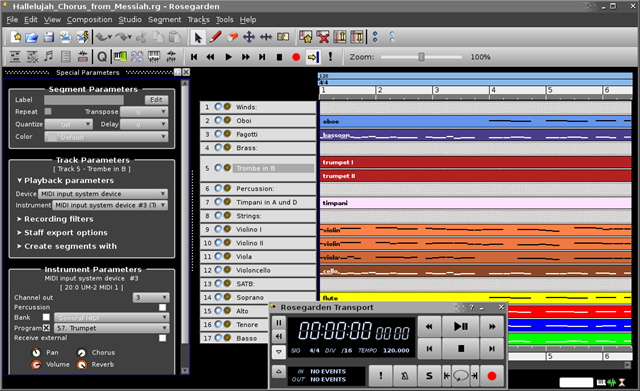
Rosegarden is a well-rounded audio and MIDI sequencer, score editor, and general-purpose music composition and editing environment. Rosegarden is an easy-to-learn, attractive application that runs on Linux, ideal for composers, musicians, music students, and small studio or home recording environments.
More info here.
5. Ardour
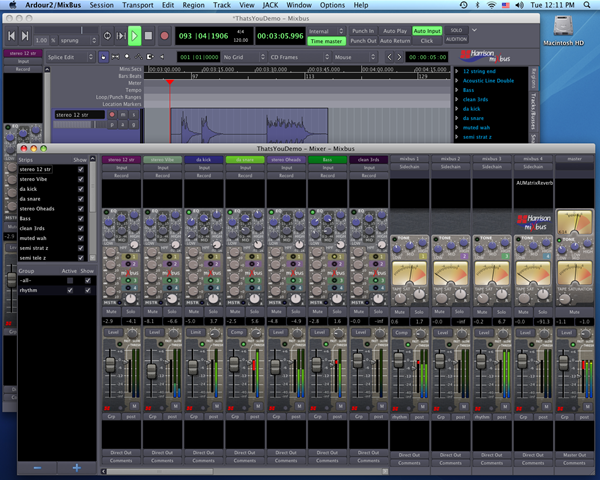
Ardour is a free software that is a hard disk recorder and digital audio workstation application that runs on Linux, Mac OS X and FreeBSD. It provides the ability to record, mix, edit and collaborate.
More info here.
6. Free Audio Editor (FAE)
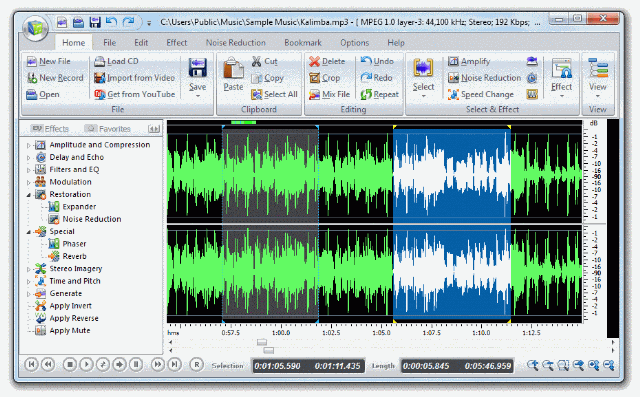
Free Audio Editor lets you to edit audio files visually, record audio from a microphone or any other available input device, apply various effects, burn audio CDs from MP3, WMA, WAV, and OGG. It has a powerful audio recording feature that lets you to edit audio files visually and apply various effects easily.
More info here.
7. KRISTAL Audio Engine ( KRISTAL or KAE)
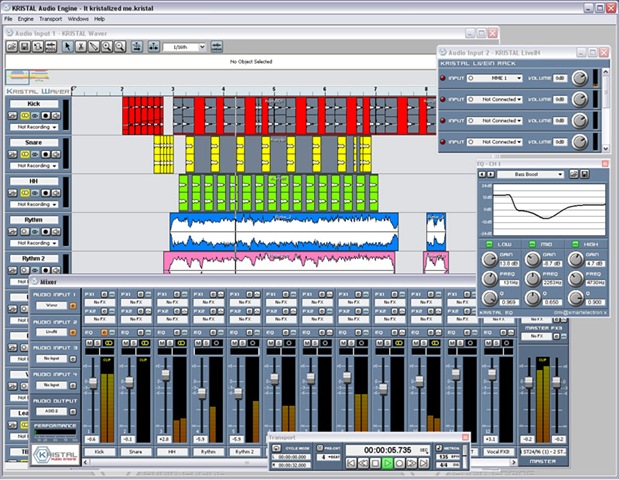
KRISTAL Audio Engine is a digital audio editor, multi-track recorder and sound mixer. It operates on Windows compatible PCs and is capable of managing up to 16 separate channels of audio.
More info here.
8. Frinika
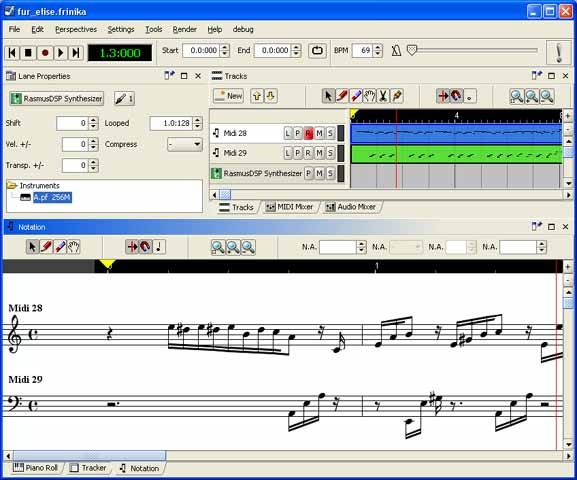
Frinika is a free complete music workstation software containing sequencer, midi support, soft synthesizers, audio recorder, piano roll/tracker/notation editing and more. The goal of Frinika is to be a complete platform for making music with your computer, using the versatile Java platform to be able to run on several operating systems, and being open source to be able to embrace the best open source technology being available at any time.
More info here.
9. Qtractor
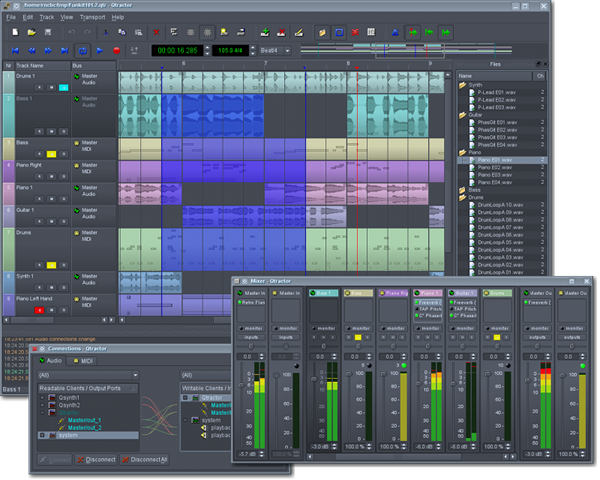
Qtractor is an Audio/MIDI multi-track sequencer application that runs on Linux. It has the Jack Audio Connection Kit (JACK) for audio, and the Advanced Linux Sound Architecture (ALSA) for MIDI as the the main infrastructures for Linux desktop audio workstation GUI specially dedicated to the personal home-studio. Qtractor is free and open-source software.
More info here.
10. Myna
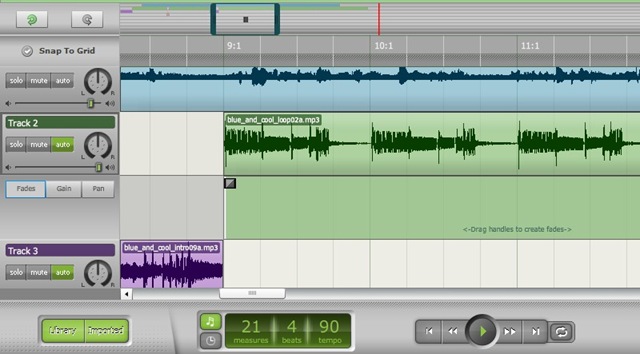
Myna is a free online sound editor. Myna let you to to remix music tracks and audio clips. You can apply sound effects and record your own voice or instruments.
More info here.


