Twingly Screensaver is an insanely amazing screen saver that shows a real time update on global blog activity. That is 24/7 real time blogosphere update on a screensaver! Twingly screen saver is interactive, a rotating globe shows the actual location from where the blog posting is being done. You can interactively select the interesting blog and click on the relevant hyperlink to view the blog.
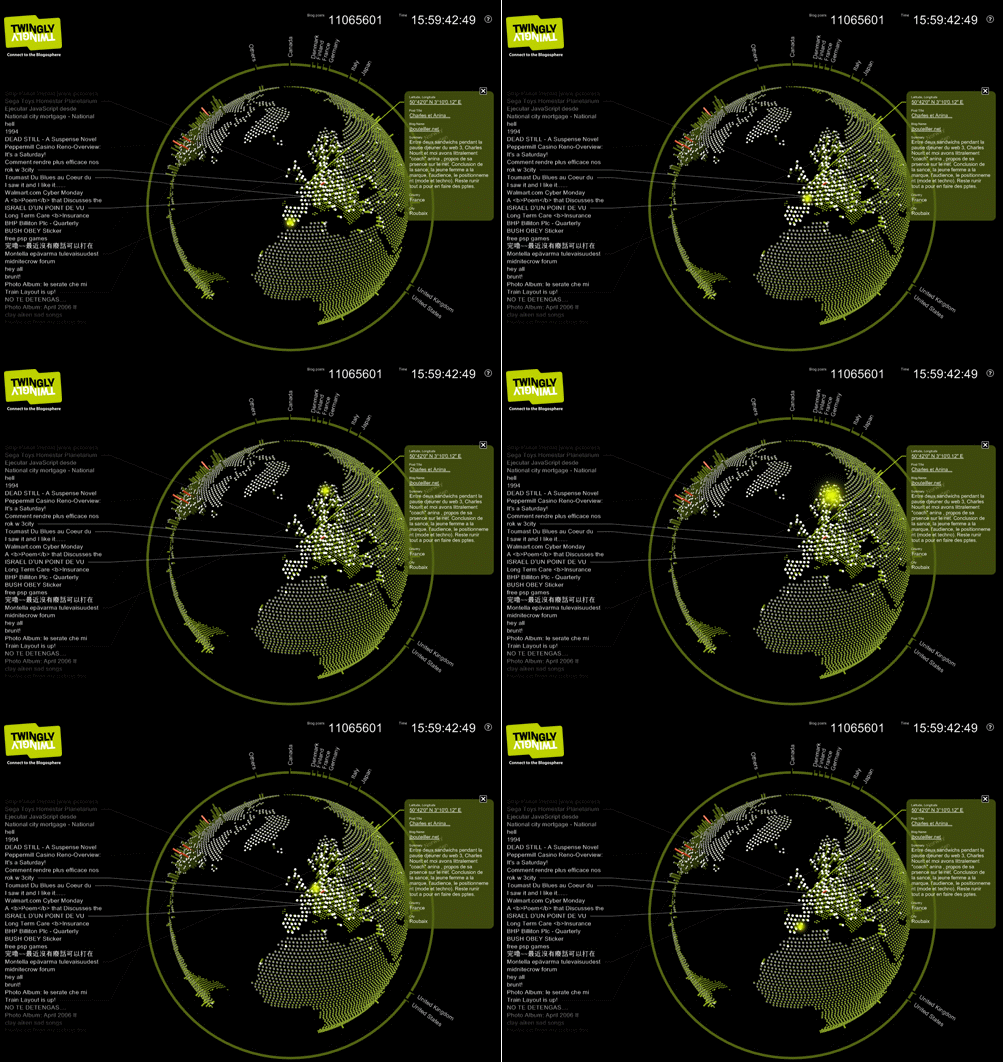
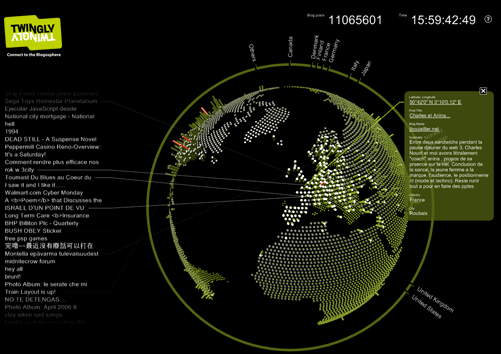
You can change the way the globe rotates and a lot more! If you don’t know, Twingly is a blog search engine similar to Technorati. If you are looking for some special screen saver, then this could be it 
Installation is simple:
1. Download Twingly Screensaver.
2. Unzip and run setup.exe (.Net runtimes may be needed)
3. Choose Twingly Screensaver by right clicking on Desktop and navigating to Screensaver options.
Everything about the screensaver is good except that it is a bit heavy on graphics and may be slow unless you have a PC with good graphics card.
Here is the Official Video: