


Digital audio editors are used to edit and manipulate digital audio. It is an import part of digital audio work stations. Though there are many commercially available digital audio editors, here is the list of 20 free audio editing software:
1. Ardour
Ardour is a digital audio workstation that an be used to record, edit and mix multi-track audio. It can also be used to produce your own CDs, mix video soundtracks, or just experiment with new ideas about music and sound.
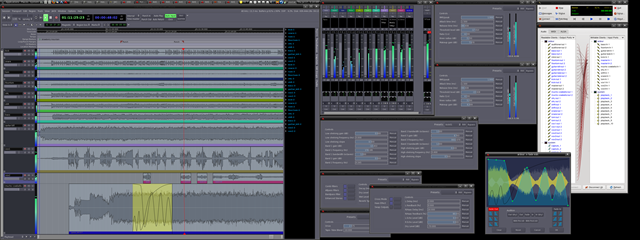
It contains all the features striving to meet the needs of professional users. Ardour capabilities include: multichannel recording, non-destructive editing with unlimited undo/redo, full automation support, a powerful mixer, unlimited tracks/busses/plugins, timecode synchronization, and hardware control from surfaces like the Mackie Control Universal. If you’ve been looking for a tool similar to ProTools, Nuendo, Pyramix, or Sequoia, you might have found it.
2. Audacity
Audacity® is free, open source software for recording and editing sounds. It is available for Mac OS X, Microsoft Windows, GNU/Linux, and other operating systems.
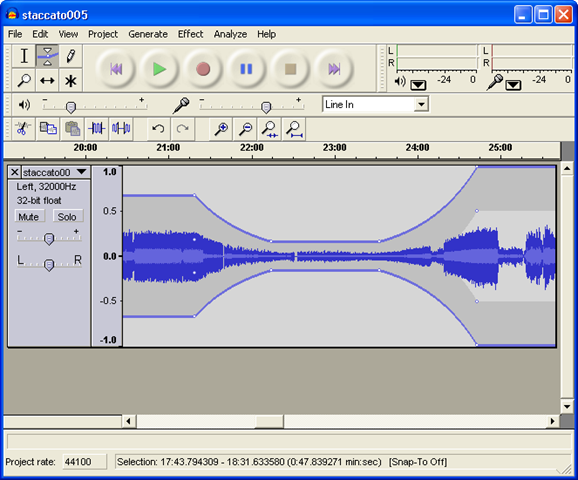
Audacity can be used to:
- Record live audio.
- Convert tapes and records into digital recordings or CDs.
- Edit Ogg Vorbis, MP3, WAV or AIFF sound files.
- Cut, copy, splice or mix sounds together.
- Change the speed or pitch of a recording.
Power Sound Editor Free is a visual audio editing and recording software solution, which supports many advanced and powerful operations with audio data.
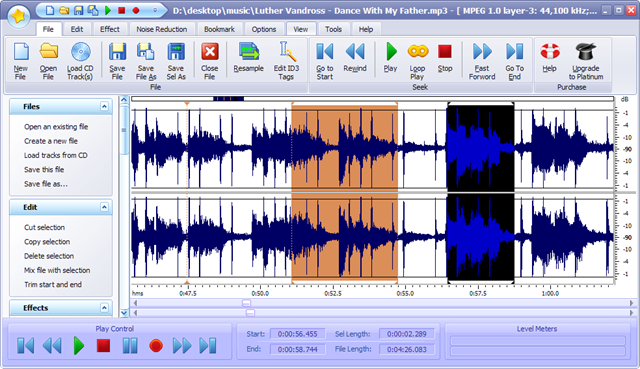
You can use Power Sound Editor Free to record your own music, voice, or other audio files, edit it, mix it with other audio or musical parts, add effects like Reverb, Chorus, and Echo, and burn it on a CD, post it on the World Wide Web or e-mail
4. mp3DirectCut
mp3DirectCut is a fast and extensive audio editor and recorder for compressed mp3. You can directly cut, copy, paste or change the volume with no need to decompress your files for audio editing. This saves encoding time and preserves the original quality, because nothing will be re-encoded. The built in recorder creates mp3 on the fly from your audio input. Using Cue sheets, pause detection or Auto cue you can easily divide long files
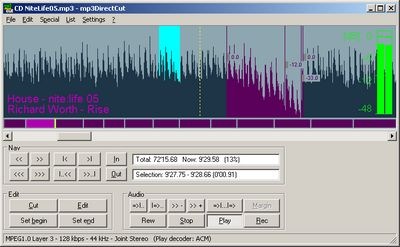
Features
- Non-destructive cut, copy, paste
- Volume change, fade, normalize, pause detection
- mp3 recording with ACM or Lame encoder
- Fast mp3 visualisation and easy navigation
- Supports Layer 2 (dvd/dvb audio)
- ID3v1.1 tag editor · ID3v2 tag keeping
- Cue Sheet support
- Auto cue (track dividing by time values)
- Track splitting with filename and tag creation
- Trim · Crop · Fast play · Loop play
- VU meter, bitrate visualisation
- High speed recorder · Command line usage
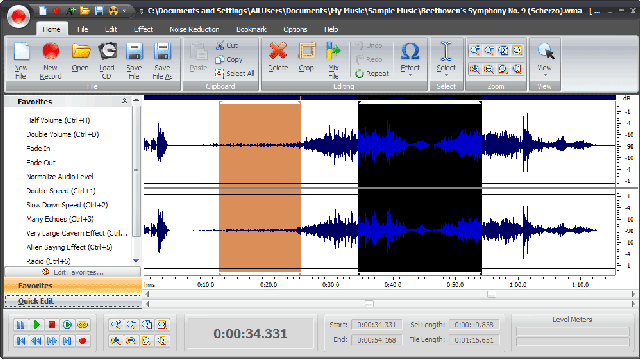
Music Editor Free (MEF) is a multi-award winning music editor software tool. MEF helps you to record and edit music and sounds:
-
Sound editing functions include cut, copy, paste, delete, insert, silence, trim and more.
-
Audio effects include, amplify, normalize, equalizer, envelope, reverb, echo, reverse, sample rate conversion and much more.
-
Includes its own CD ripper/Burner
6. Ecasound
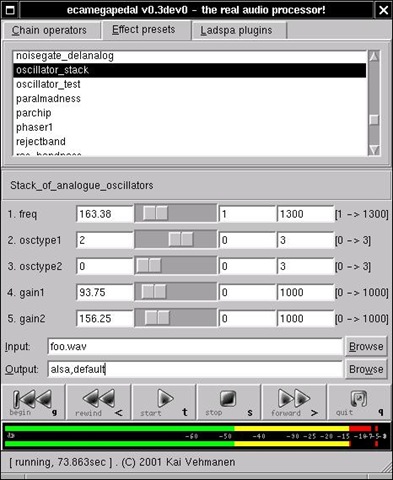
Ecasound is a software package designed for multitrack audio processing. It can be used for simple tasks like audio playback, recording and format conversions, as well as for multitrack effect processing, mixing, recording and signal recycling. Ecasound supports a wide range of audio inputs, outputs and effect algorithms. Effects and audio objects can be combined in various ways, and their parameters can be controlled by operator objects like oscillators and MIDI-CCs
7. Wavosaur
Wavosaur is a free sound editor, audio editor, wav editor software for editing, processing and recording sounds, wav and mp3 files. Wavosaur has all the features to edit audio (cut, copy, paste, etc.) produce music loops, analyze, record, batch convert.
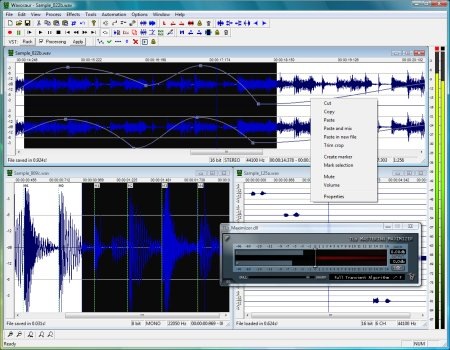
Wavosaur supports VST plugins, ASIO driver, multichannel wav files, real time effect processing.
The program has no installer and doesn’t write in the registry. Use it as a free mp3 editor, for mastering, sound design. The Wavosaur freeware audio editor works on Windows 98, Windows XP and Windows Vista.
8. Traverso DAW
Traverso DAW is a GPL licensed, cross platform multitrack audio recording and editing suite, with an innovative and easy to master User Interface. It’s suited for both the professional and home user, who needs a robust and solid DAW.
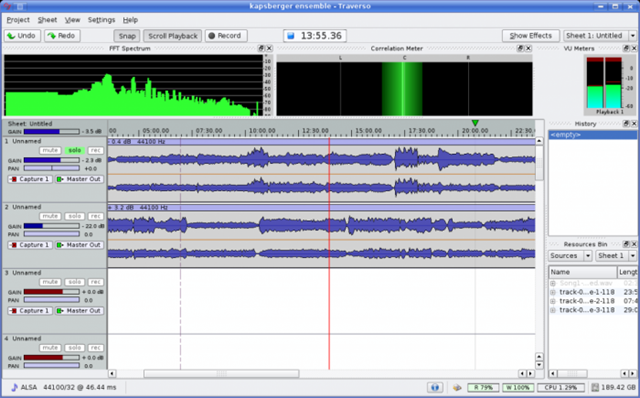
Traverso is a complete solution from recording to CD Mastering. By supplying many common tools in one package, you don’t have to learn how to use lots of applications with different user interfaces. This considerably lowers the learning curve, letting you get your audio processing work done faster!
9. Qtractor
Qtractor is an Audio/MIDI multi-track sequencer application written in C++ with the Qt4 framework. Target platform is Linux, where the Jack Audio Connection Kit (JACK) for audio, and the Advanced Linux Sound Architecture (ALSA) for MIDI, are the main infrastructures to evolve as a fairly-featured Linux desktop audio workstation GUI, specially dedicated to the personal home-studio.
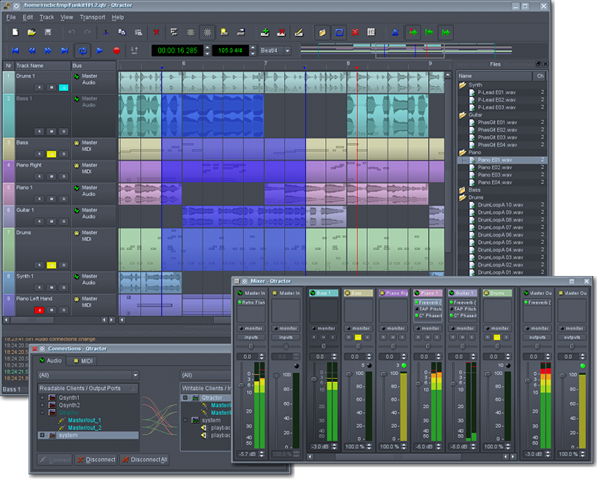
Qtractor is free, open-source software, distributed under the terms of the GNU General Public License (GPL) version 2 or later
10. Rosegarden
Rosegarden is a well-rounded audio and MIDI sequencer, score editor, and general-purpose music composition and editing environment.
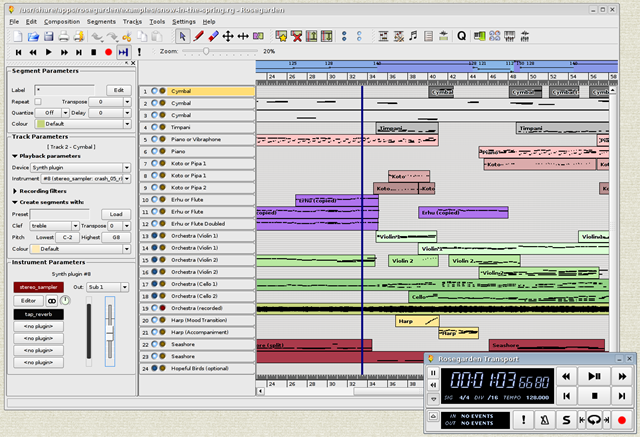
Rosegarden is an easy-to-learn, attractive application that runs on Linux, ideal for composers, musicians, music students, and small studio or home recording environments
11. Hydrogen
Hydrogen is an advanced drum machine for GNU/Linux. It’s main goal is to bring professional yet simple and intuitive pattern-based drum programming
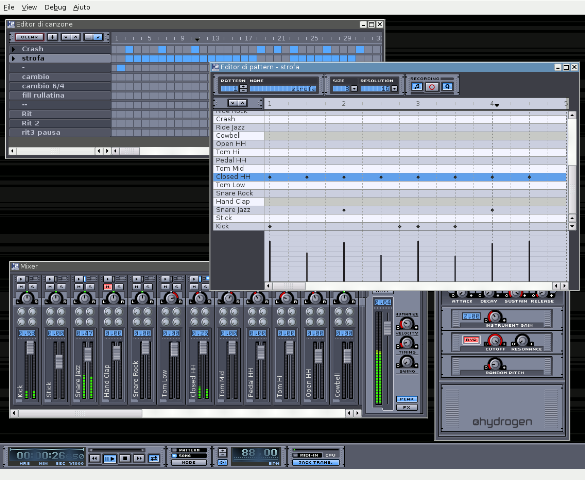
It is very user-friendly, modular, fast and intuitive graphical interface based on QT 3. Sample-based stereo audio engine, with import of sound samples in .wav, .au and .aiff formats. Also it supports samples in compressed FLAC file.
WavePad Sound Editor software is a full featured professional audio editor for Windows or Mac. It lets you make and edit music, voice and other audio recordings. When editing audio files you can cut, copy and paste parts of recordings and, if required, add effects like echo, amplification and noise reduction. WavePad works as a wav editor or mp3 editor but it also supports a number of other file formats including vox, gsm, real audio, au, aif, flac, ogg and more.
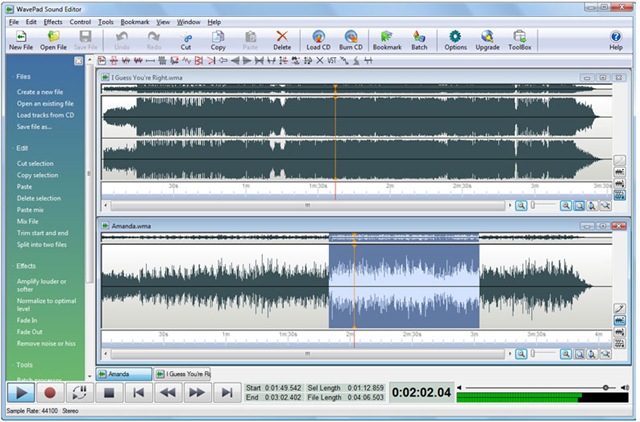
This sound editing software is a full featured professional audio editor for Windows or Mac. It lets you make and edit music, voice and other audio recordings. When editing audio files you can cut, copy and paste parts of recordings and, if required, add effects like echo, amplification and noise reduction. WavePad works as a wav editor or mp3 editor but it also supports a number of other file formats including vox, gsm, real audio, au, aif, flac, ogg and more.
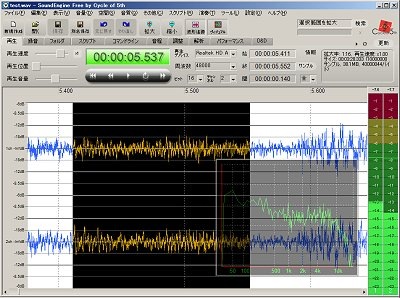
13.Sound Engine
SoundEngine is the best tool for personal use, because it enables you to easily edit a wave data while it has many functions required for a mastering process.
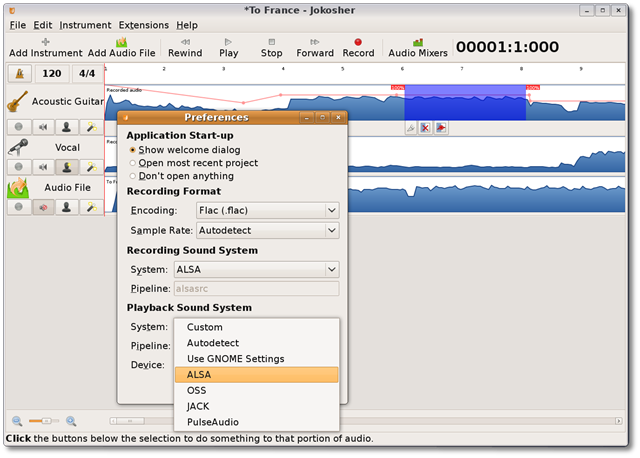
14. Jokosher
Jokosher is a simple yet powerful multi-track studio. With it you can create and record music, podcasts and more, all from an integrated simple environment
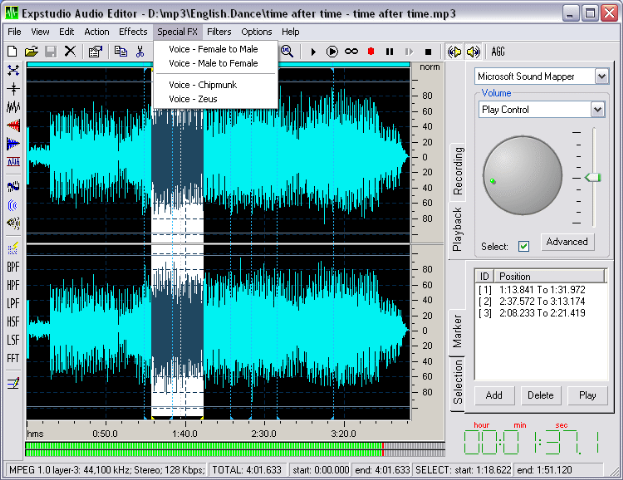
Expstudio Audio Editor is a visual music file editor that has many different options and a multiple functionality to edit your music files like editing text files. With a given audio data it can perform many different operations such as displaying a waveform image of an audio file, filtering, applying various audio effects, format conversion and more.
16. DJ Audio Editor
DJ Audio Editor is easy-to-use and well-organized audio application which allows you to perform various operations with audio data. You can create and edit audio files professionally, by having ability to apply dozens of amazing effects to audio files such as Amplify, Flanger, Chorus, Reverb, Invert and Reverse.
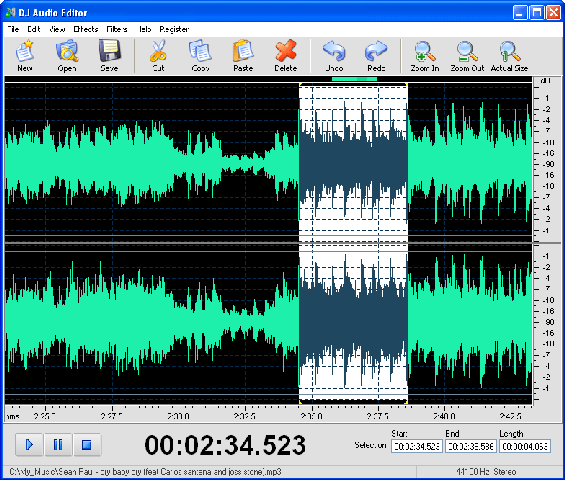
The widely covered output and input audio formats and a set of amazing filters allow you to add endless innovation to music creating and design, and also displaying a waveform or spectral image of audio file makes your work faster.
17. Sweep
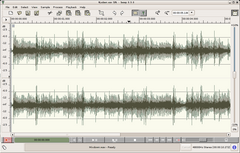
Sweep is an audio editor and live playback tool for GNU/Linux, BSD and compatible systems. It supports many music and voice formats including WAV, AIFF, Ogg Vorbis, Speex and MP3, with multichannel editing and LADSPA effects plugins.
It is Free Software, available under the GNU General Public Licence.
18. Eisenkraut
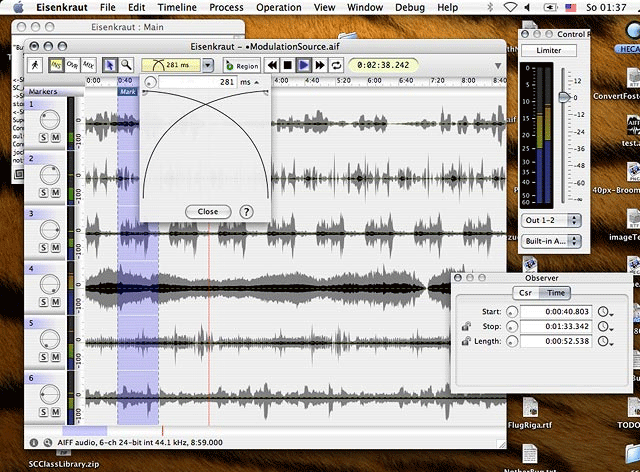
Eisenkraut is a cross-platform audio file editor. It requires Java 1.4+ and SuperCollider 3. It supports multi-channel and multi-mono files and floating-point encoding. An OSC scripting interface and experimental sonagramme functionality are provided.
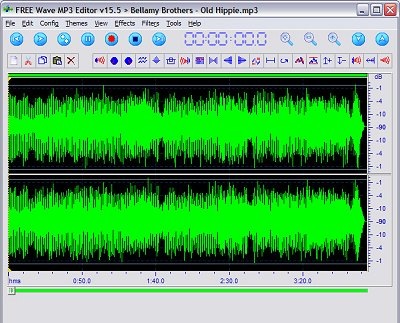
Free Wave MP3 Editor is a sound editor program for Windows. This software lets you make and edit voice and other audio recordings. You can cut, copy and paste parts of recording and, if required, add effects like echo, amplification and noise reduction.
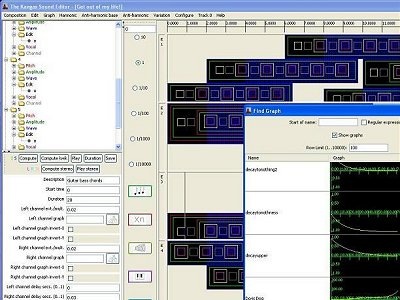
Its a fun Kangaroo-themed program that allows the user to create music and sound effects. It uses a system of frequency ratios for pitch control, rather than conventional music notation and equal temperament. It allows instruments, both musical and percussion, to be created.
There are others like Ecawave, Audiobook Cutter, LMMS, Mp3Splt, Wavesurfer etc.


