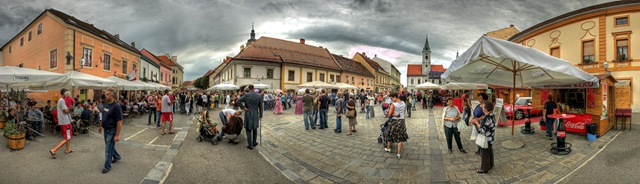
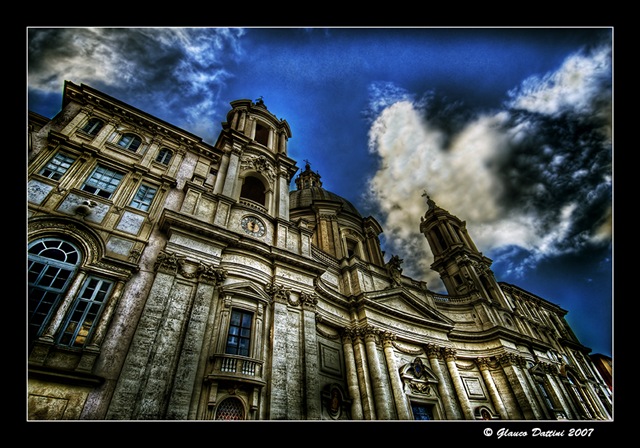
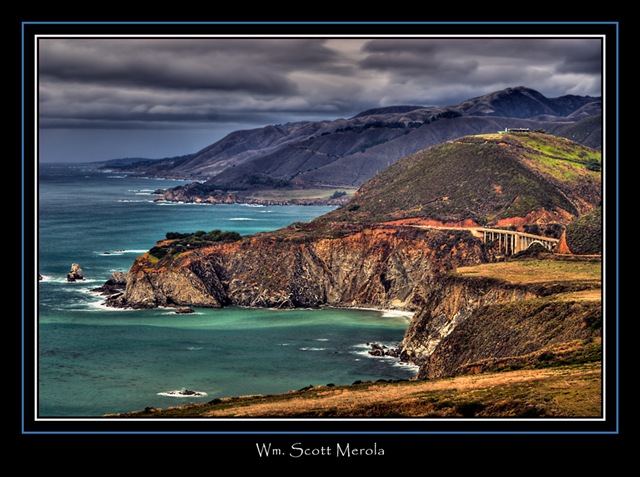
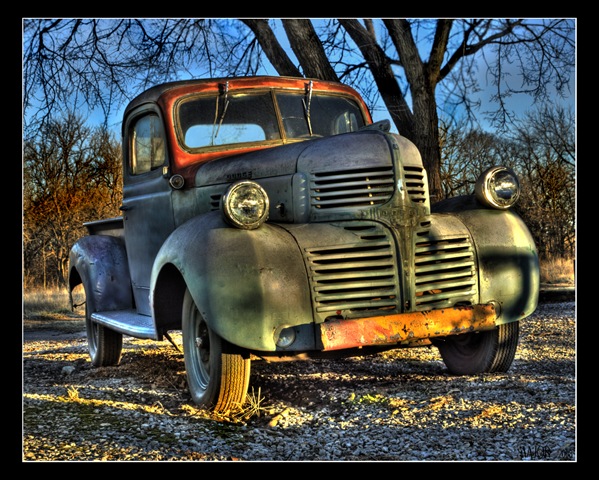
Tag Archive for HDR

Ten Terrific Tutorials in Flickr

Many of us know that Flickr as a image hosting and online community platform. The services exposed by Flickr and fan followers are inspiring developers to come up neat tools to search, comment and view photos on Flickr.

flickr_logo

Frickr users, not only hosts images, but also provide some nice and simple tutorials that can be of great use to photographers. Here in this article we provide 10 such tutorials posted on Flickr.

1. Bokeh - Video Tutorial - Layer Mask with Lasso – by Luis Montemayor

This video tutorial helps you understand better use of the Layer Mask with Lasso

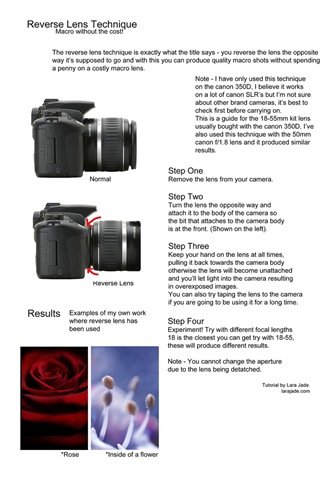
2. Reverse Lens Technique – by LaraJade

This tutorial shows how use reverse lens technique and get macro results without the expense of a macro lens.
macro

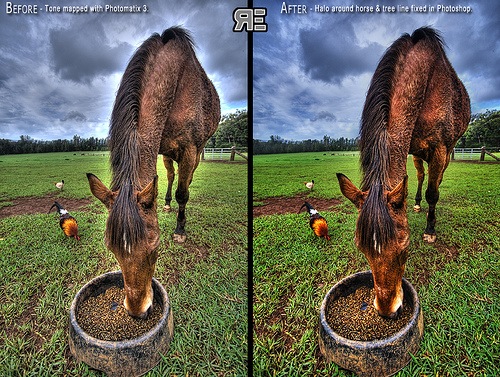
3. HDR and DRI Tutorials – by Ryan Eng

This tutorial is about creating natural looking HDR photo using some basic DRI (aka Digital Blending) and Photoshop layer masks.
HDR

4. Improving Exposure with Pixel Blending – by Jon Block

This tutorial talks about improving the exposure using the pixel blending technique.
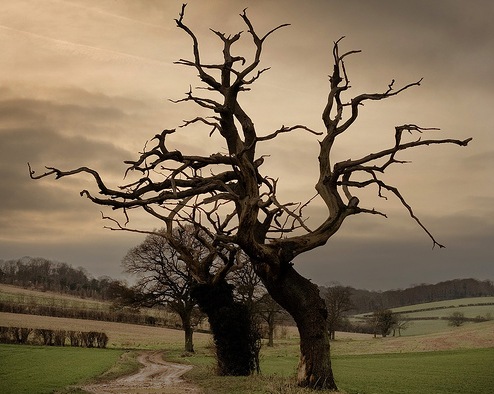
Exposure

5. Creating Out Of Bound – by Serrator

This tutorials is about framing and creating Out Of Bound photographs.
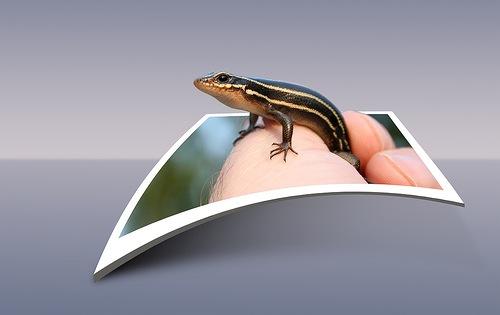
OOB

6. Digital Blending – by James Neeley

This is a simplified and easy digital blending or DRI (Dynamic Range Increase) tutorial.
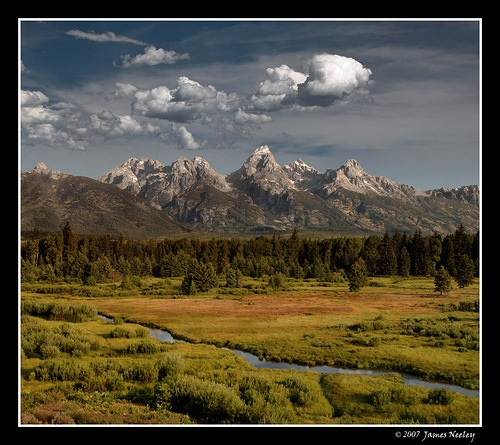
digital_blending

7. Hand Coloring – by James Neeley

Hand Coloring is a fun technique and there are so many variations possible. Try out the tutorial and explore all possible options.
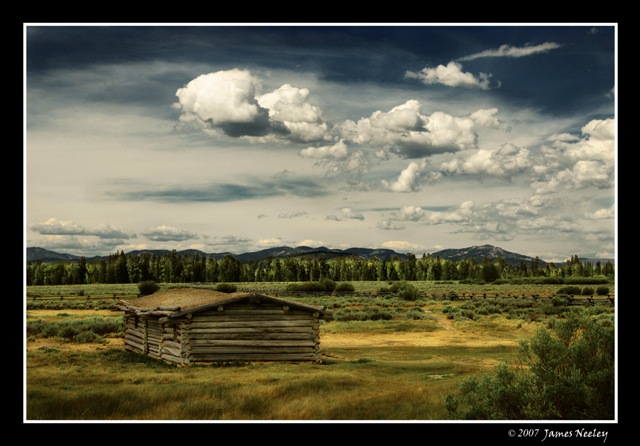
hand_coloring

8. Texture Tutorial – by ayush.bhandari

This tutorial shows how to texture an image using digital blending.
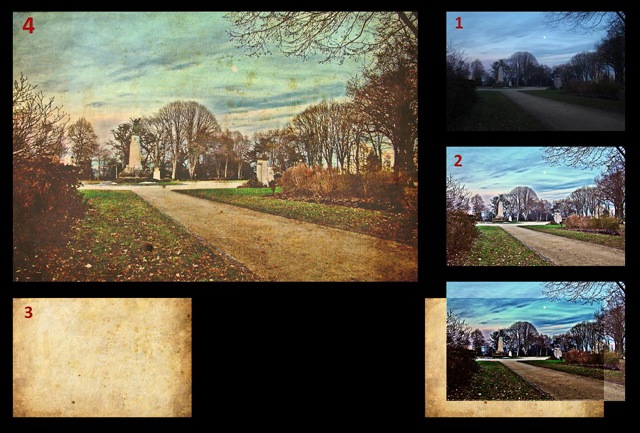
texture

9. Raw Processing – by Cyrus khamak

This tutorial shows how to use the curve function and calibrate an image.
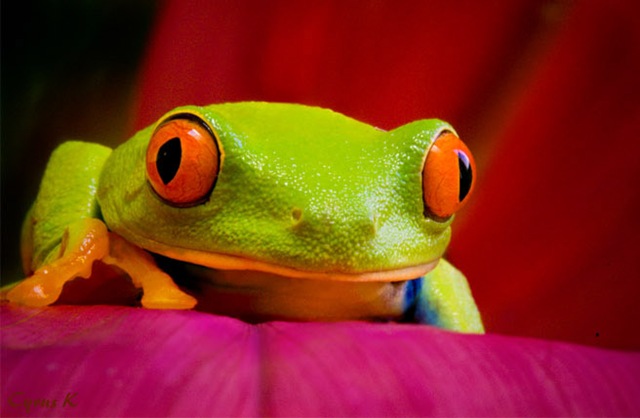
raw

10. Water Mark – by godonholiday

This tutorials shows how to create a water mark effect using Photo Shop.
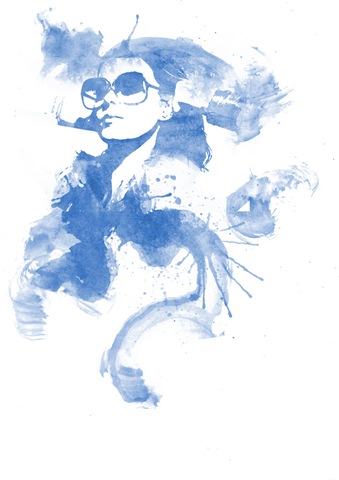
watermark

Here is the video tutorial:

All the credit goes to the authors for creating and sharing these tutorials.

Free High Dynamic Range (HDR) Software

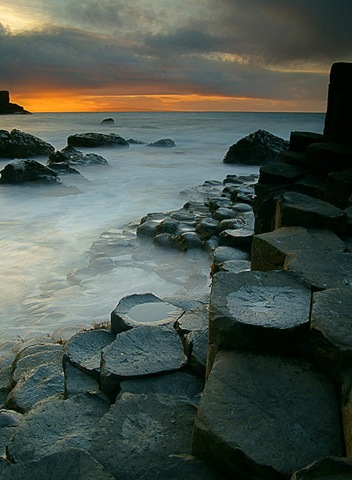
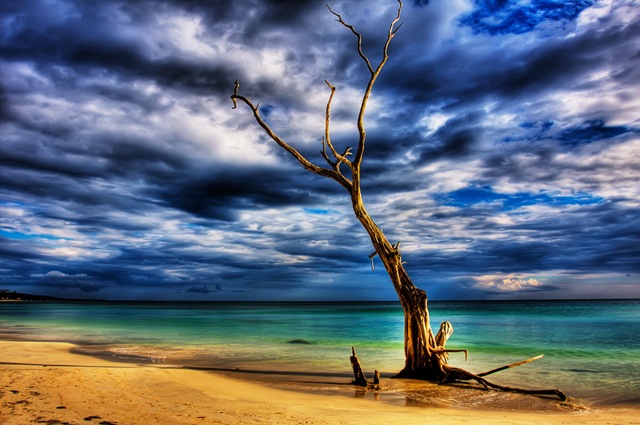
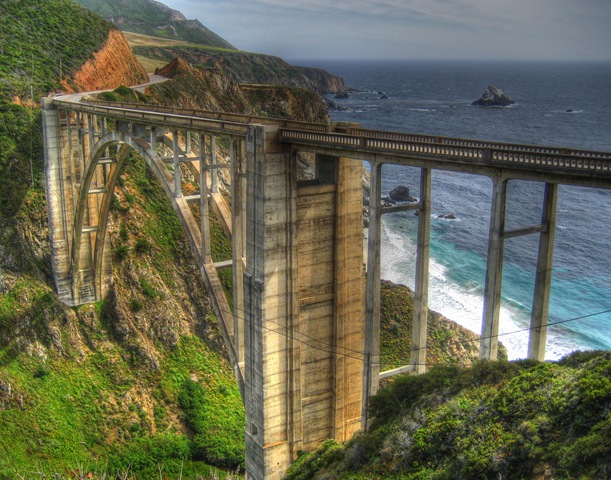
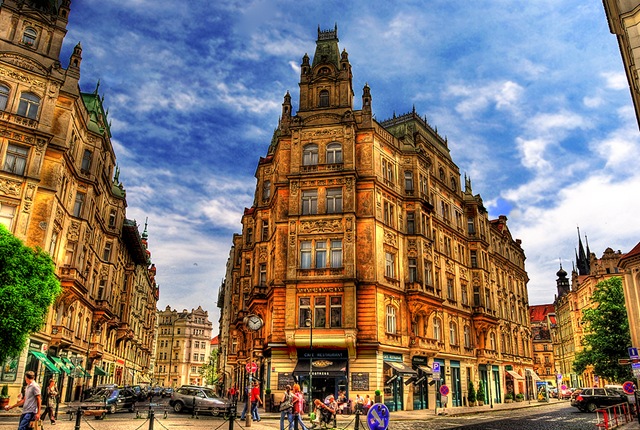
We had presented 20 beautiful HDR photos in our earlier post. In this article we will take a look at some free software for creating HDR images.

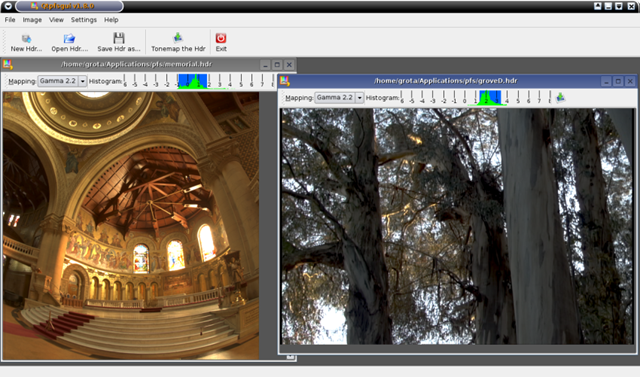
qutfsgui1

1. Qtpfsgui

Qtpfsgui is an open source graphical user interface application that aims to provide a workflow for HDR imaging. Qtpfsgui is available for Linux, Windows and Mac OS X. Here are some the key features of Qtpfsgui:


  • Create an HDR file from a set of images (formats: JPEG, TIFF 8bit and 16bit, RAW) of the same scene taken at different exposure setting.
  • Save and load HDR images.
  • Rotate and resize HDR images.
  • Tonemap HDR images.
  • Copy exif data between sets of images.


It supports wide verity of formats like:

  • OpenEXR (extension: exr)
  • Radiance RGBE (extension: hdr)
  • Tiff formats: 16bit, 32bit (float) and LogLuv (extension: tiff)
  • Raw image formats (extension: various)
  • PFS native format (extension: pfs)
  • Discussions and images related to Qtpfsgui can be found on flickr.

2. pfstools

pfstools package is a set of command line programs for reading, writing and manipulating high-dynamic range (HDR) images and video frames. It includes also Qt and OpenGL HDR image viewers. pfstools can be integrated with GNU Octave or matlab, so that it can serve as a toolbox for reading and writing HDR images. If you are not comfortable with a command line interface or you want to save yourself compilation problems, you may want to check Qtpfsgui, which packages some functionality of pfstmo and pfscalibration in a nice GUI interface.

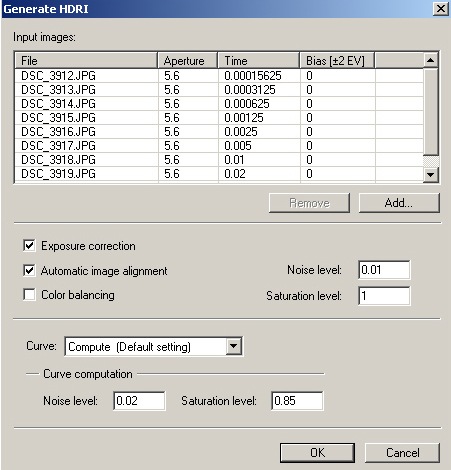
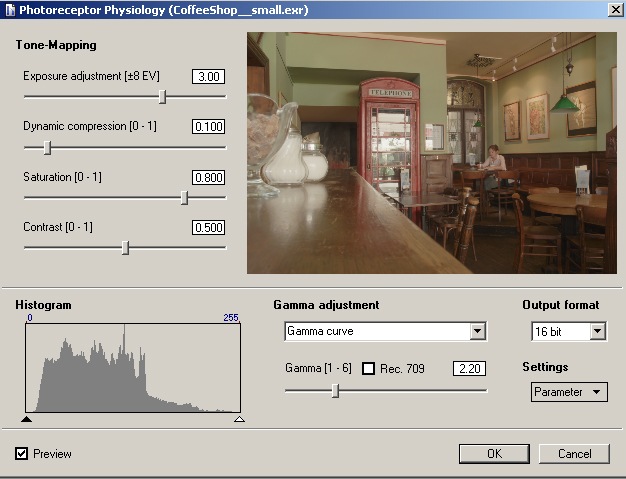
3. Picturenaut

Picturenaut was born in the German photo community. It has been in the works for almost two years, with consistent improvements according to user feedback. That’s why the first official release is already Version 2.1, marking a new milestone in making high quality HDR Imaging accessible and easy.

Some key features of Picturenaut are:

  • Image alignment
  • Exposure correction
  • Color balancing
  • Noise level compensation
  • Derivation of the camera curve from the source images

It supports various HDR formats like, PFM (Portable Float Map), HDR (Radiance), EXR (OpenEXR), TIFF (32-bit Floating Point), TIFF (LogLuv), LDR, JPEG
TIFF (only RGB color space) and TGA (Targa, no alpha channel).

Picturenaut1

Picturenaut2

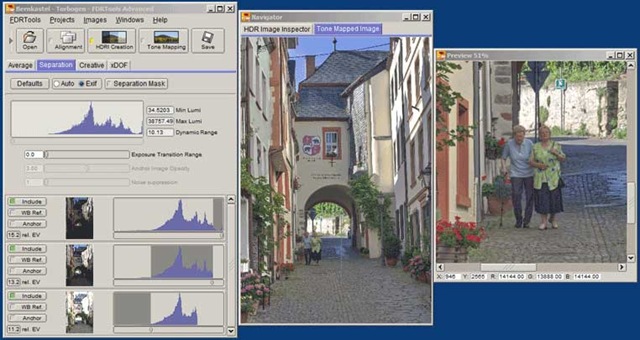
4. FDRTools Basic

FDRTools Basic are a collection of capable tools for the ambitious shutterbug.

This software allows you to overcome the technical limitations of your digital camera and produce images with a contrast and dynamik range not considered possible so far.

The dynamic range enrichment is handled comfortable and far easier than with traditional methods. The performance characteristics outclass these methods.

Some of the key features are:

  • Combine several differently exposed photos of an exposure series into an HDR image
  • Prepare your HDR images for display or print with high quality tonal range compression (tone mapping)
  • Import the RAW images of your digital camera
  • Export and archive the optimised HDR image in a format of your choice

FDRtools

Try out some of the above software and you will see interesting results. If you are more serious about it then checkout the HDR Photography Techniques by Captain Kimo.

20 Beautiful HDR Photos

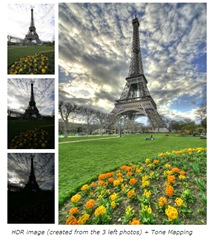
HDR - High Dynamic Range photography is a technique by which several photos of the same scene that is shot with different exposure settings are combined into one photo. The details of dark areas (from a longer-duration exposure) are combined with the details of brightly lit areas (from a shorter-duration exposure) to form a single photo that is that is correctly exposed in both the dark and light areas.

HDR_ex

source: http://www.hdrsoft.com

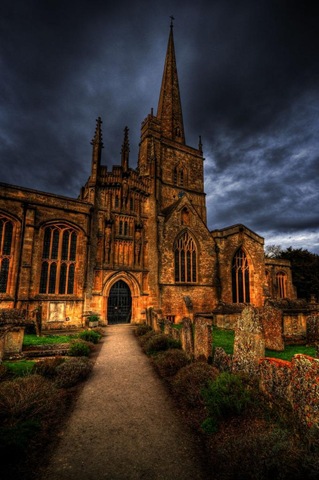
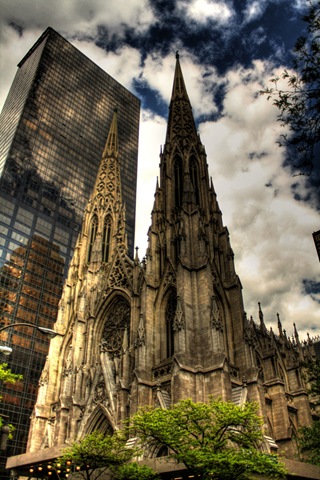
Here in this article we present a collection of 20 beautiful photos that were created after processing through HDR techniques. To create such beautiful photos, checkout our article on Free HDR Software .

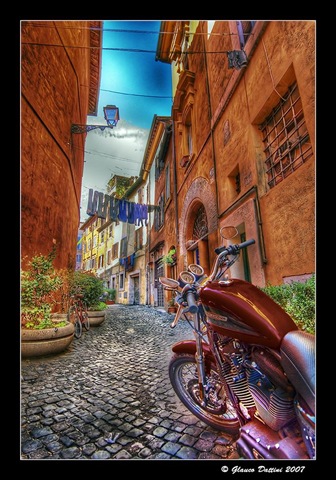
1. Photo by Glauco Dattini

HDR_1

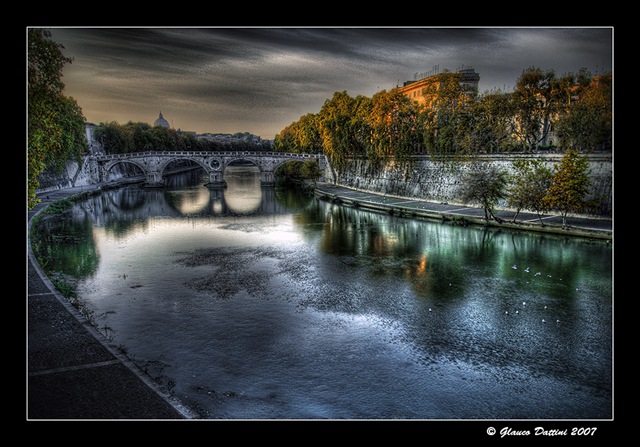
2. Photo by Glauco Dattini

HDR_2

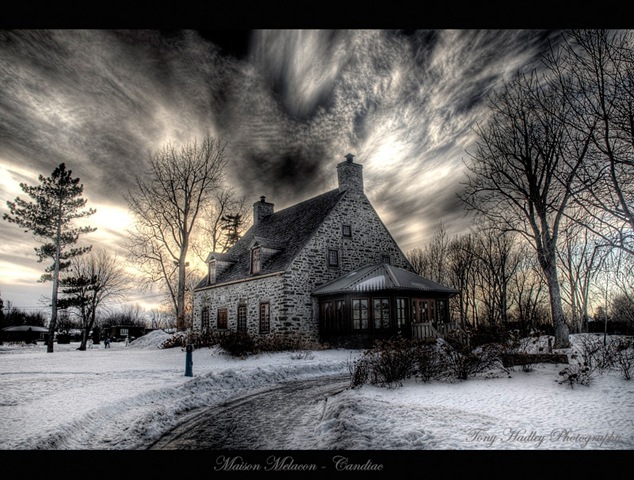
3. Photo by Tony Hadley

HDR_3

4. Photo by Damir Sencar

HDR_4

5. Photo by Glauco Dattini

HDR_5

6. Photo by Scott Merola

HDR_6

7. Photo by Major williams

HDR_7

8. Photo by Brian Curran

HDR_81

9. Photo by Mallav Naik

HDR_9

10. Photo by Justin Setchell

HDR_10

11. Photo by Maria-Mihaela Sârbu

HDR_11

12. Photo by Hossein Mosaferi

13. Photo by Conte Oliver

HDR_13

14. Photo by Jim Crotty

HDR_14

15. Photo by Minh Nghia Le

HDR_15

16. Photo by Jonathan Piette

HDR_16

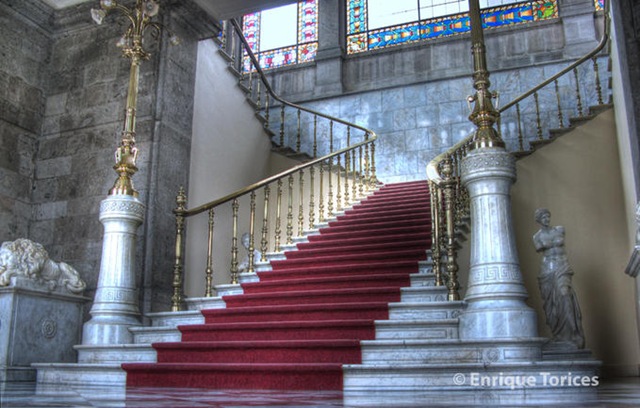
17. Photo by Enrique Torices

HDR_17

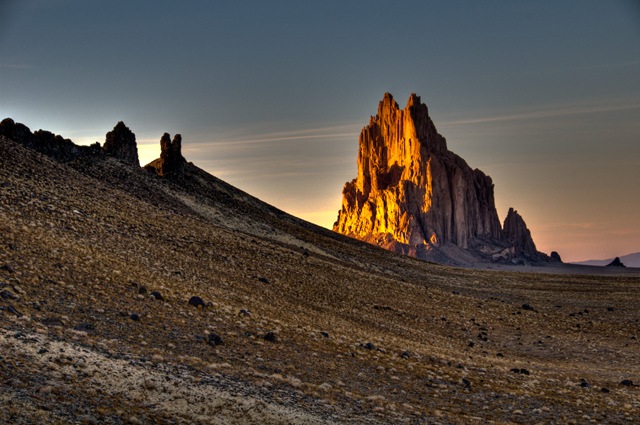
18. Photo by William Horton

Shiprock at sunset

19. Photo by Mattpug

HDR_19

20. Photo by Joep R

HDR_20

Technorati Tags: ,
Flickr Tags: ,
del.icio.us Tags: ,
Related Posts with Thumbnails