


SUMO Paint the free online image editing software that gives you an opportunity to create, edit and comment images online. It is a powerful tool with layers support. It provides online image editing, that comes handy for people on the move and would like to process their images. One can open any image from SUMO Paint App just by dragging and dropping in the SUMO Paint image.
It is the easiest, fastest and most creative paint application available on the internet so far. It has a beautiful range of filters to create variety of background
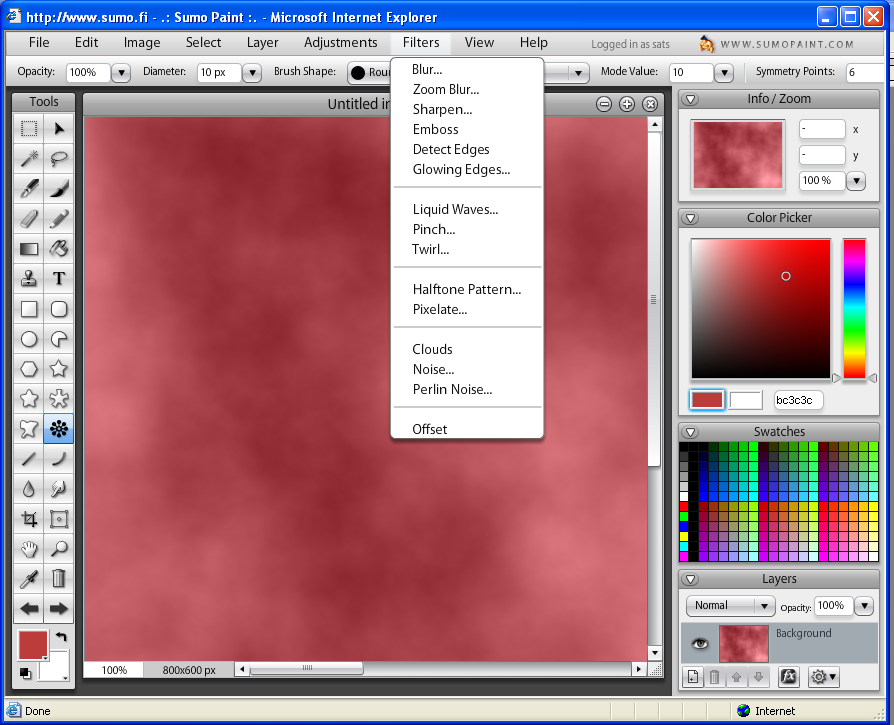
SUMO Paint is a Flash based tool that provides easy to use interface and the following powerful tools for creating and editing art.
1. Layers with blending modes
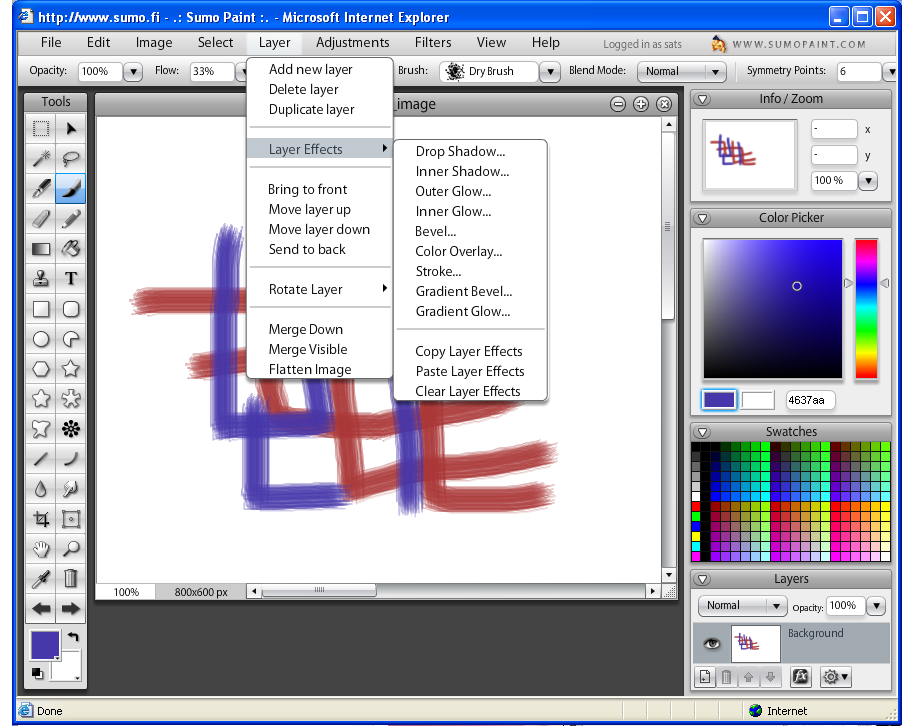
2. Layer Effects:
3. Shape Tools
4.Brush Tool
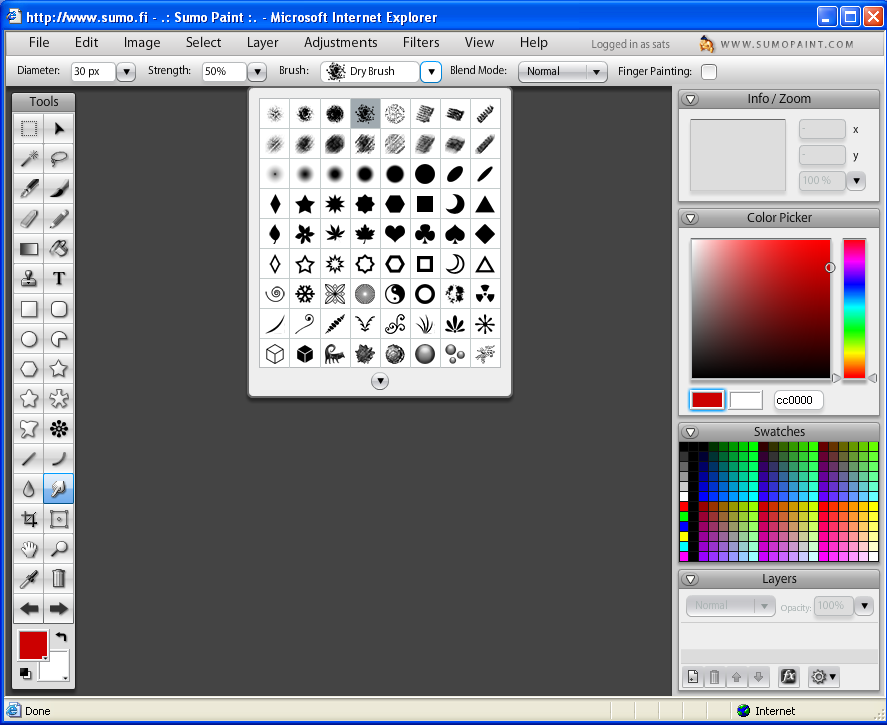
5. Ink Tool, 6. Text Tool, 7. Clone Stamp, 8. Eraser Tool, 9. Filters 10. Gradient Tool 11. Gravity 12. Custom Shape Tools 13. Shape Trials 14. Symmetry Tool 15. Transform Tool 16. Magi Wand Tool 17. Lasso Tool 18. Smudge Tool 19. Blur Tool 20. Line Tool 21. Curve Tool 22. Zoom Tool 23. Selection Modify Tool 24. Color Picker 25. Swatches 26. Saving Images with Multiple layers 27. Select Pixels
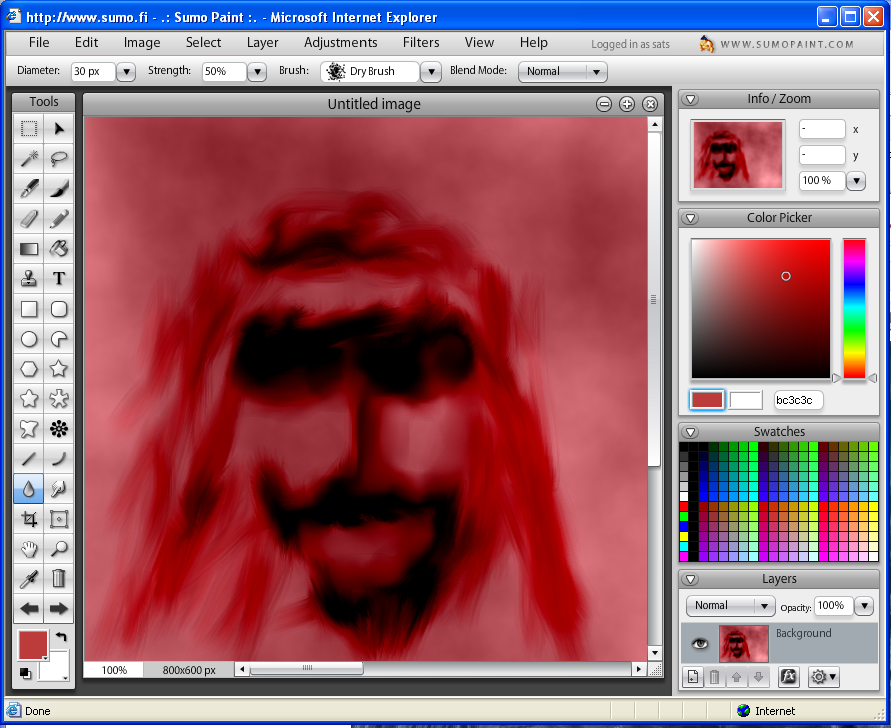
It took exactly one minute and just two tools - Filter and Smudge tool to create the image below. Just spend a hour with SUMO Paint, I’m sure you would come out with creative contemporary art!
Technorati Tags: Free Alternatives, Tech Reviews, SUMO Paint, Free Online Image Editing tool
